
Migration to our Webmecanik software
Migrate your data from your old software to Webmecanik with complete peace of mind!
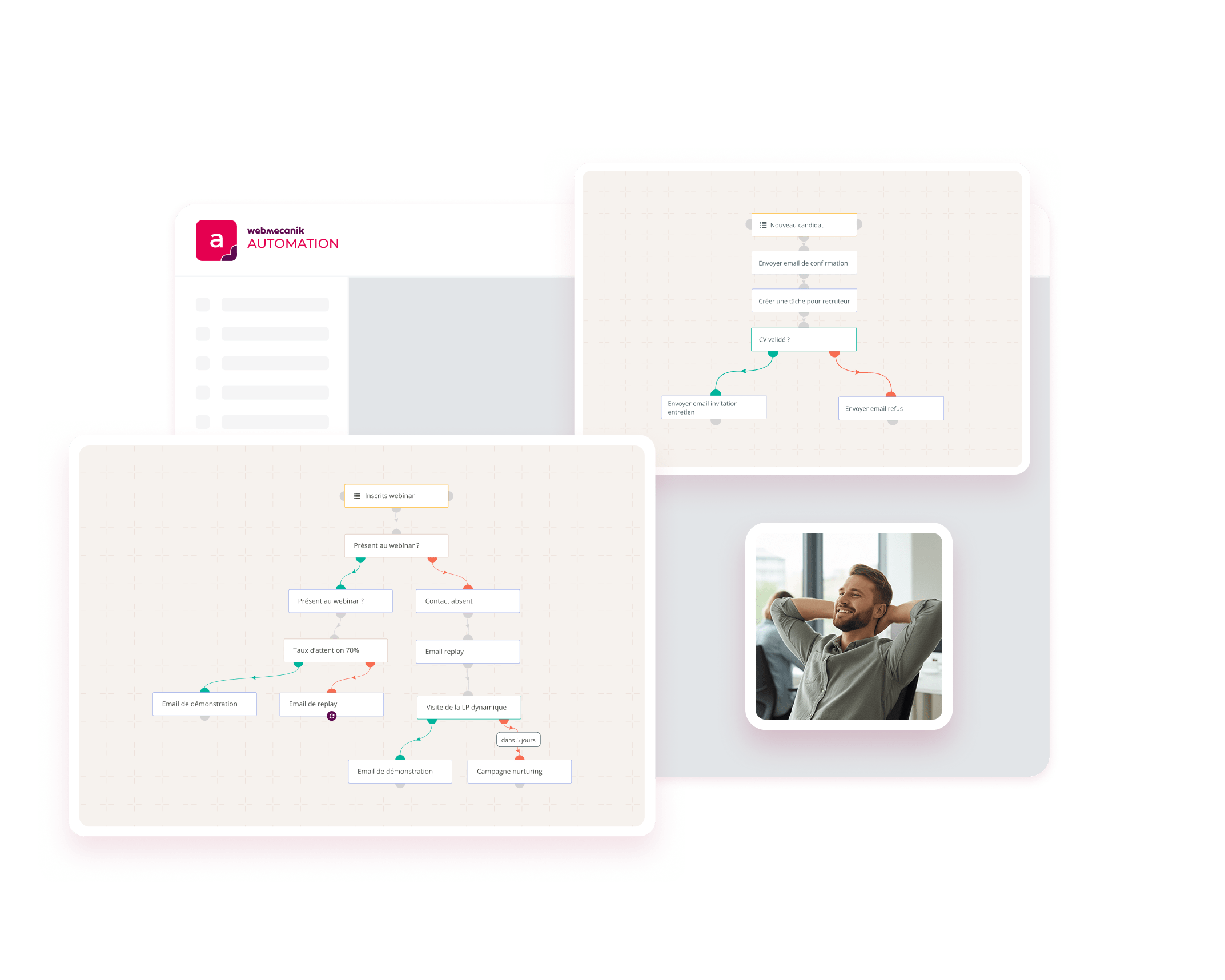
Changing software? Webmecanik supports you
Are you planning to leave your current marketing automation tool and switch to Webmecanik Automation? Good news, we are here to guide you every step of the way, including the migration of all your data.
First of all, our teams analyze your current environment: what you want to keep, optimize, or remove. This is also the best time to review your strategy and start again on a more solid foundation.
The steps for a smooth migration
Because a well-prepared migration means faster, frictionless deployment:
Audit of your data
The data audit allows you to take stock of the data present in your software. Then, you can choose which data you want to re-import into your new Webmecanik Automation software.
Import of your data
Whatever the method by which you import your contact and company data, we will assist you in recreating your marketing campaigns and configuring the other features you had set up!
Configuration of your templates
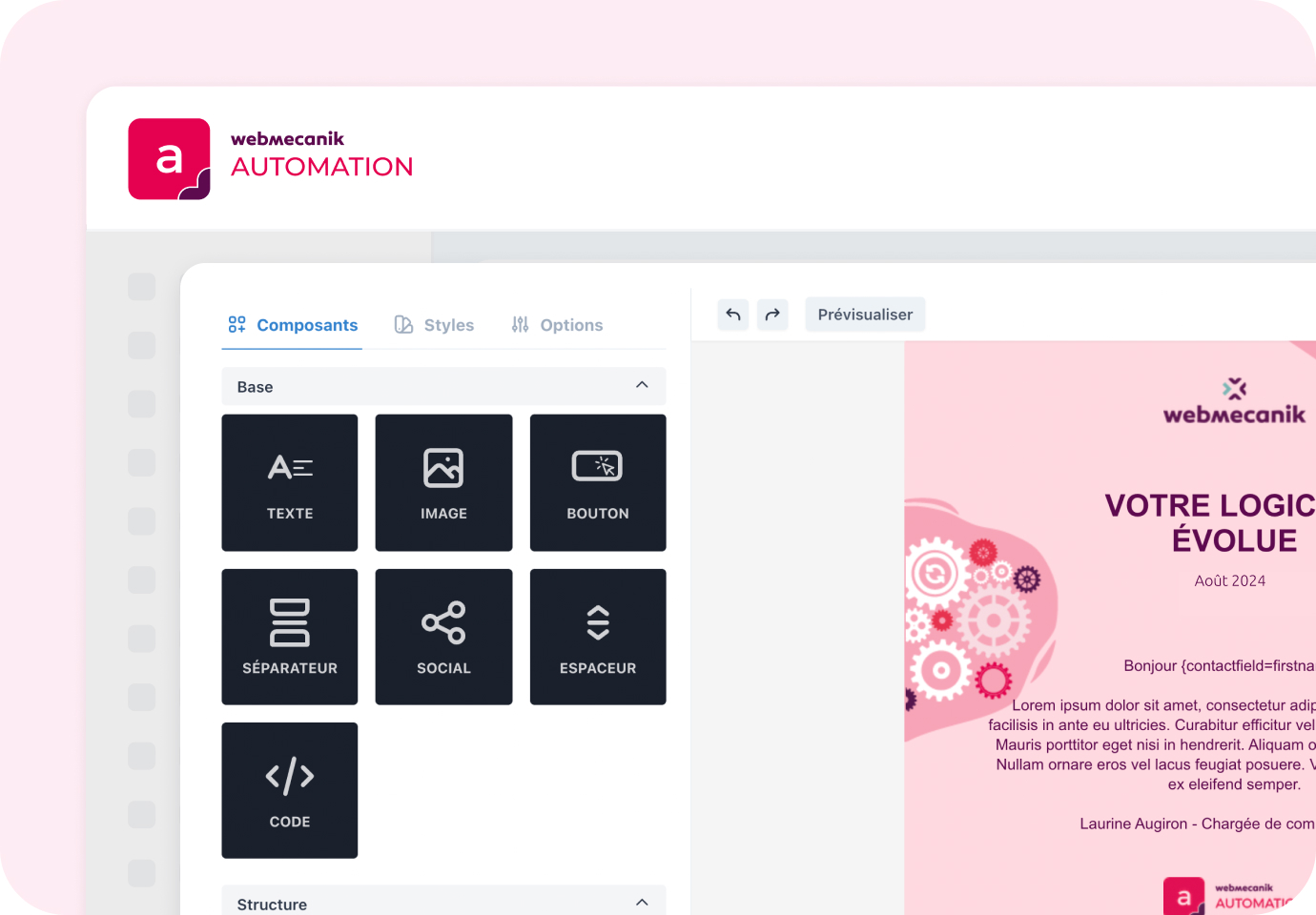
You have several email and landing page themes available. You can choose and use them in your account, which will save you time while respecting your brand guidelines.
What about your campaigns already in place?
You can use the work done in your previous marketing automation software to recreate your campaigns in Webmecanik Automation. Our Customer Success Managers are here to support the campaigns that work well and challenge those that need to be improved.
“What we liked about Webmecanik was the speed of the migration, completed in just 15 days, thanks to a very responsive team and human support. I found the software quick to get to grips with, a real advantage when you’re the only one managing all the marketing and customer relations. Before, I spent hours on technical settings… Now it’s smoother, more visual, and more intuitive.”

Caroline Perrier
Marketing Manager – 410 Gone
“We chose a French solution with a sales approach from the teams that allows us to collaborate closely and with confidence.“

Jessy Masip
Marketing Manager – 1Life
The decision to fully migrate (CRM + marketing automation) was quick, and we particularly appreciated the proximity, attentiveness, and responsiveness of the Webmecanik teams. The migration required several adjustments, but the involvement of the Webmecanik teams was exemplary. They supported us at every stage of the project with constant assistance.

Xavier Grosbellet
Sales and Marketing Director – Ergorecherche
Customer case: agency 410 Gone migrated from Mautic to Webmecanik Automation
A complete migration carried out in just 15 days, with responsive and personalized support. The 410 Gone agency chose to switch from Mautic to Webmecanik Automation to gain stability, simplicity, and efficiency.
👉 Discover why 410 Gone migrated to Webmecanik and how our team ensured a transition without interruption.