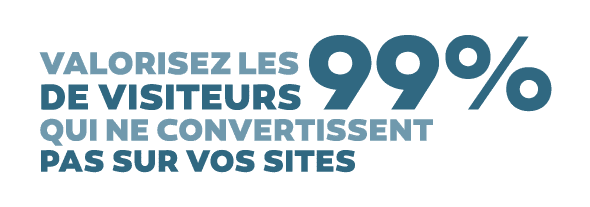
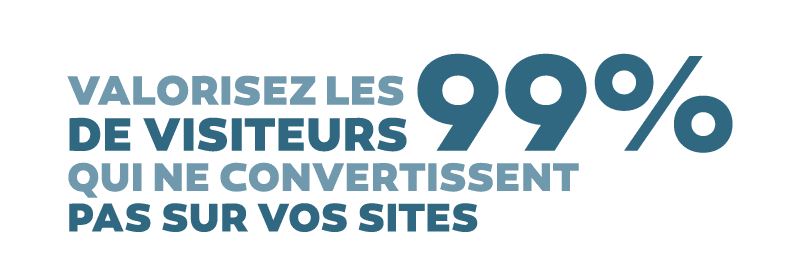
Your website generates traffic. Do you know how many visitors you convert into customers? I can tell you there is a high chance that you do not exceed a 1% conversion rate. If you are good, you will get to something like 2%, and if you are well supported, you may get close to 3%. What do you do with all the others? What do you do with the visitors who come to your site and never contact you?
Let us start from the assumption that only 50% of your visitors are interested in your offer. Out of 100 visitors, you therefore have 50 visitors who are not interested. 1 visitor who will contact you proactively and who will become a customer. And 49 visitors who could become customers if you took care of them! It is the latter that will interest us here.
I am going to present the 10 tips to leverage visitors who do not convert on your websites!
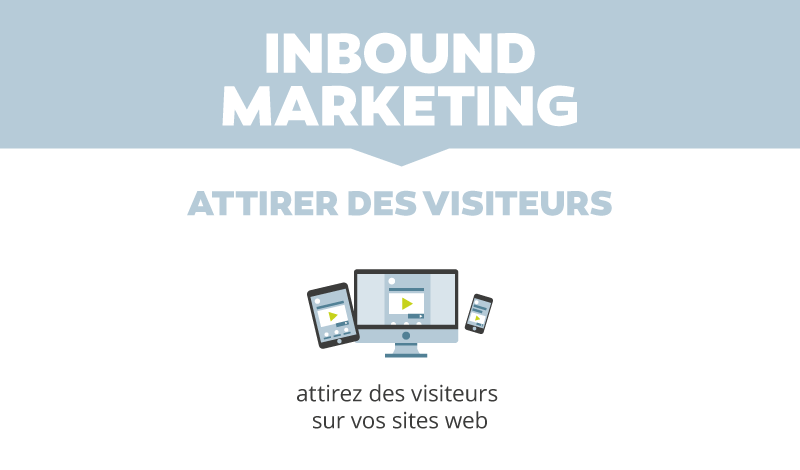
First of all, what you are probably already doing today is generating traffic to your website so that it gets viewed. To do that, there is no miracle: you will need to produce content, infographics, improve your SEO, buy traffic via SEA, manage your social networks, plan email campaigns. All these visitors are brought to your site so that you can deliver your message to them: your benefits, your products, your services.
Tip 1: your site must clearly state who you are, what you do and how your offer differs from the competition.
Tip 2: a lively site with regularly updated content, a blog with new articles gives a better image of you than a site left abandoned.
Tip 3: running a site and generating traffic are full-time jobs. If it is not yours, then delegate; need an agency or a freelancer? Contact us, we will find you the right contact among our partners.
Once your site is online, with quality content and incoming traffic, let us move on to conversions.

Our job at Webmecanik is to support you in setting up a Marketing Automation process with our software Automation.
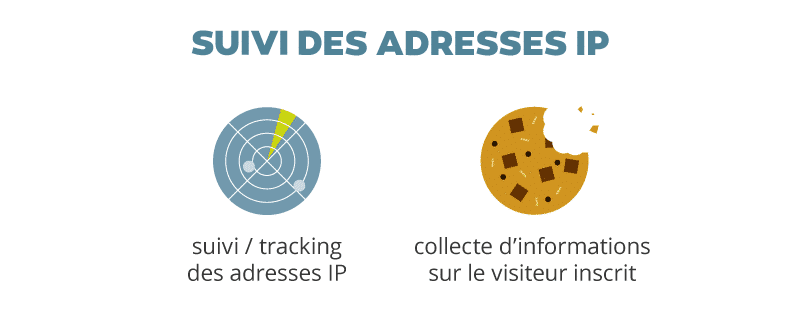
The first thing to do is add a javascript code to all the pages of your website(s). This is to start tracking the visitors who come to them.
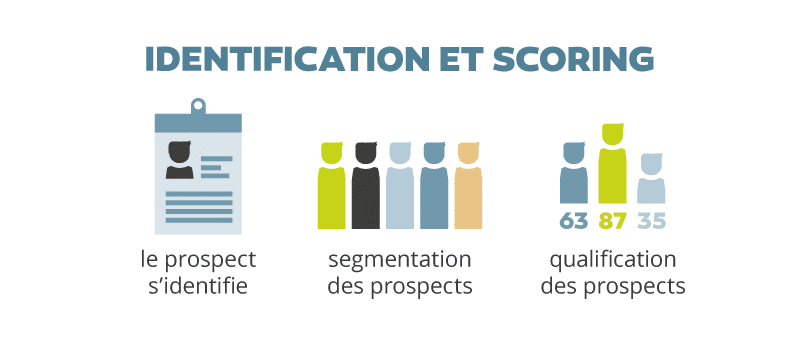
We will then retrieve your contact database in order to integrate it into the Marketing Automation software. This data comes from your CRM, prospects who have already contacted you, your current customers. It is possible to create as many contact lists as necessary.
Tip 4: a quality database contains precise data on your prospects and customers: email (the minimum), last name, first name, city, interest in a product, source (trade show, website, telephone, canvassing, etc.).
This will make it possible to segment them and begin linking visits to your website with the data you have in the contact lists. Your database gains value because it will be enriched with behavioral information in addition to the declarative information you already have.
Tip 5: a contact’s information becomes outdated quickly. Contact details change, interest declines. An active contact must have been contacted less than 3 months ago.
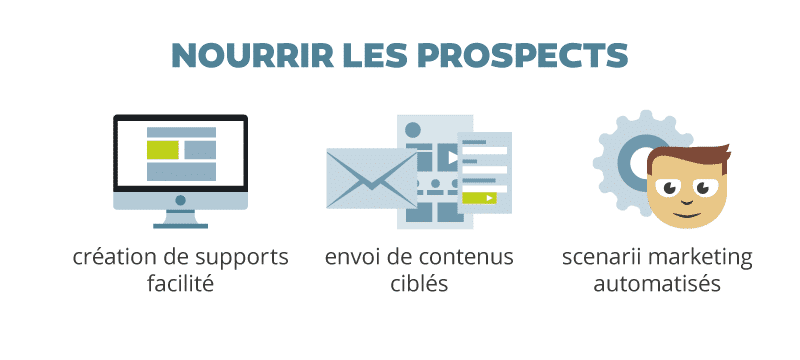
Webmecanik then allows you to easily create new conversion materials with landing pages and emails created by “drag and drop”. No more technical skills needed.
Newsletters can now be sent to a defined segment instead of being sent to the entire database, so open rates increase because communication pressure is controlled.
Tip 6: sending an email to your database makes it possible to connect anonymous visitors on your site with a contact in the database as soon as the person clicks on a link contained in the email. The software will connect their session and the contact automatically.
Scenarios make it possible to automate the relationship with the visitor. Do you want to make a white paper available? You just need to set up an autoresponder in a few clicks. With it, you will not only know who downloads your documents, but this data will also enrich the data you already have.
Tip 7: in order to get to grips with the tool and get used to “thinking marketing automation”, simple scenarios are offered at first (autoresponder, nurturing over several weeks, etc.). From the very first scenario, the results are visible and you will have new ideas to enrich your existing scenarios and create new ones.
Automated scenarios are powerful; they make it possible to trigger an action (sending an email, action for a salesperson in the CRM, etc.) depending on what your visitors do on your website. You can, for example, send an email to a visitor who has come to your website at least 3 times in the last 90 days, who has viewed a landing page but has not yet converted.
Tip 8: building a relationship with a prospect with the right email at the right time becomes possible with marketing automation.
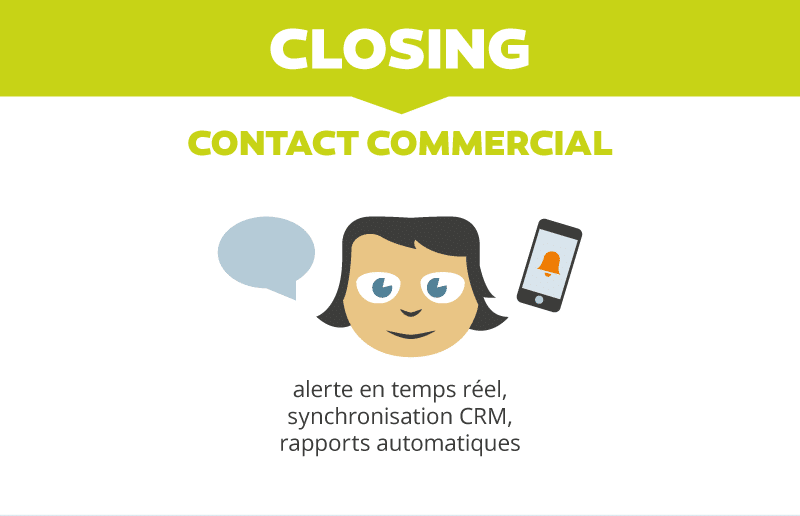
Once the prospect is known, you must now establish the business relationship with them.
The relationship will be maintained through a marketing automation campaign so that the prospect’s interest grows stronger over time.
Depending on the type of product/service you sell, the sale can be made automatically over the internet (e-commerce, online training) or by a salesperson (generally B2B products/services).

Want to discuss it? Contact Sophie, account manager at support at webmecanik point com.
See you soon,
Pierre