
Migration to our Webmecanik software
Migrate the data from your previous software to Webmecanik with complete peace of mind!
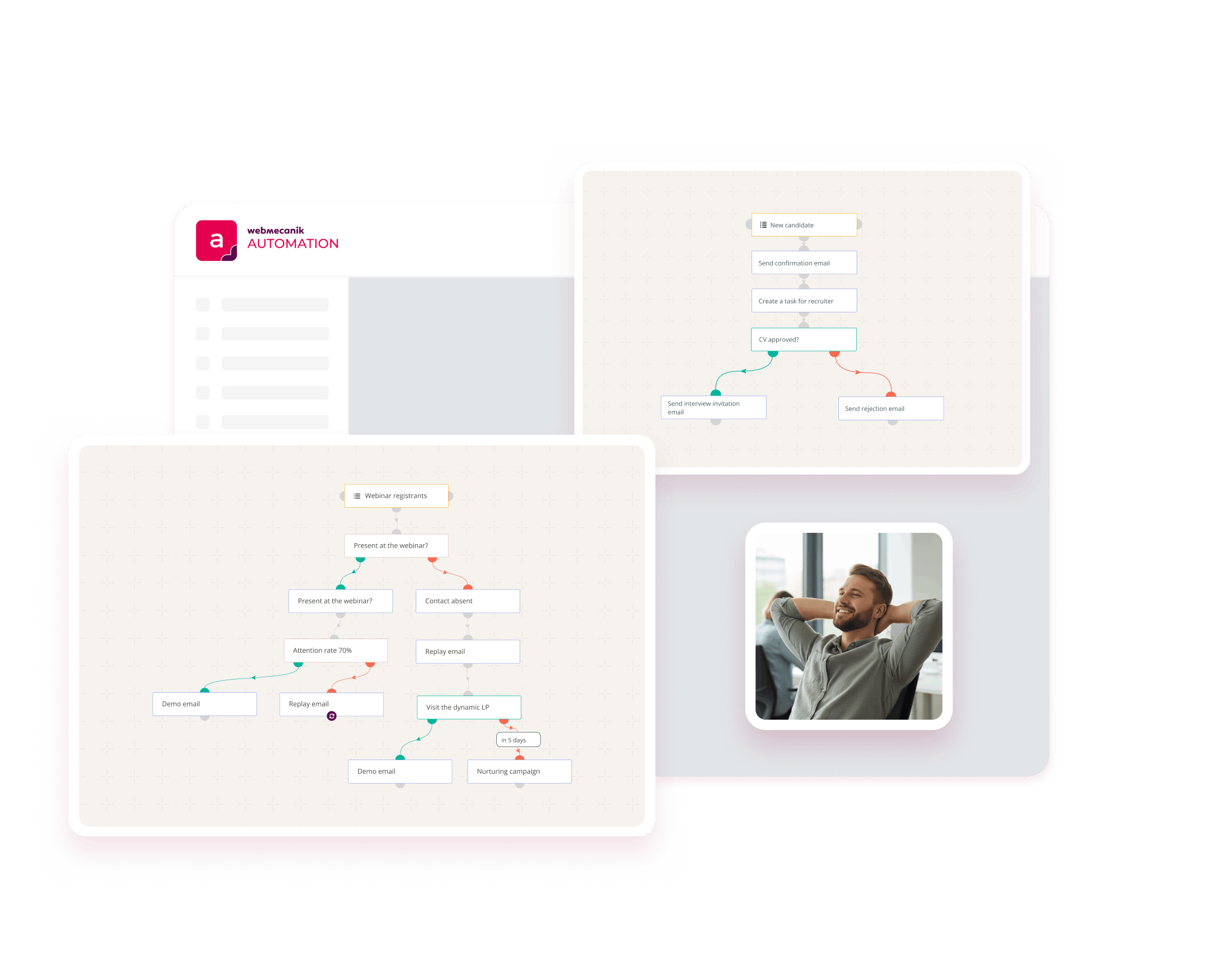
A change of software? Webmecanik supports you
Are you thinking about leaving your current marketing automation tool to move to Webmecanik Automation? Good news, we’re here to guide you every step of the way, including the migration of all your data.
First and foremost, our teams analyze your current setup: what you want to keep, optimize, or delete. This is also the best time to review your strategy and start with a stronger foundation.
The steps for a migration with complete peace of mind
Because a well-prepared migration means a faster, frictionless rollout:
Audit of your data
The data audit helps you review the data currently in your software. You can then choose which data you want to re-import into your new Webmecanik Automation software.
Import your data
No matter how you import your contacts and companies data, we’ll help you recreate your marketing campaigns and set up the other features you had in place!
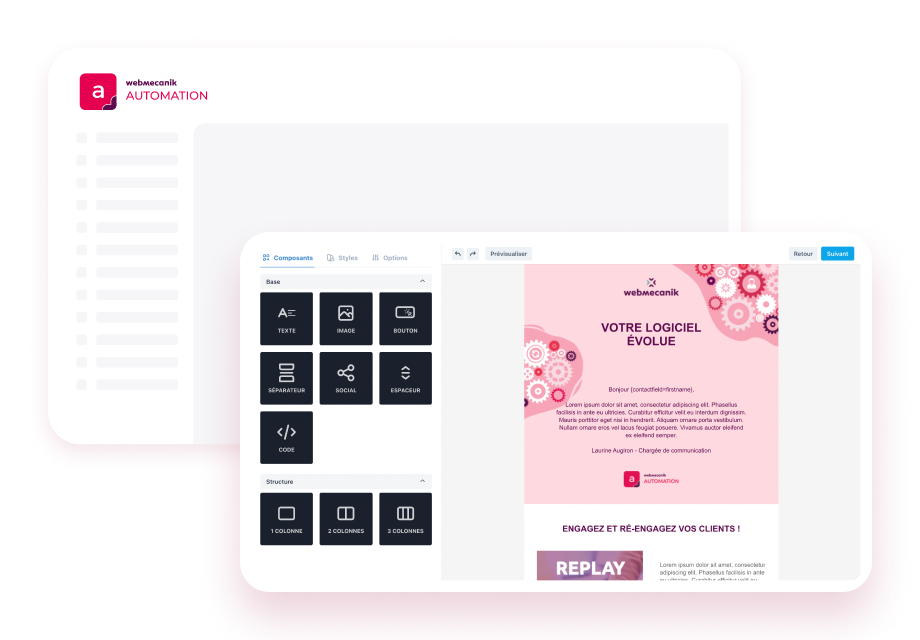
Configure your templates
You have several email and landing page themes at your disposal. You can choose and use them in your account, helping you save time while staying compliant with your brand guidelines.
What about your campaigns already in place?
You can use the work you completed in your previous marketing automation software to recreate your campaigns in Webmecanik Automation. Our Customer Success Managers are here to support campaigns that are already working well and challenge those that need improvement.
“What we liked about Webmecanik was the speed of the migration, carried out in just 15 days, thanks to a very responsive team and a human touch. I found the software quick to get the hang of— a real advantage when you’re the only one managing everything, from marketing to customer relationships. Before, I spent hours on technical settings… Now, it’s smoother, more visual, and more intuitive. ”

Caroline Perrier
Marketing Manager – 410 Gone
“We chose a French solution with a commercial approach to teams, enabling close, trust-based collaboration.”

Jessy Masip
Marketing Manager – 1Life
The decision to fully migrate (CRM + marketing automation) was quick, and we particularly appreciated the proximity, attentiveness, and responsiveness of the Webmecanik teams. The migration required several adjustments, but the involvement of the Webmecanik teams was exemplary. They supported us at every stage of the project with constant assistance.

Xavier Grosbellet
Sales and Marketing Director – Ergorecherche
Customer case: the agency 410 Gone migrated from Mautic to Webmecanik Automation
A complete migration carried out in just 15 days, with responsive, tailored support. The 410 Gone agency chose to move from Mautic to Webmecanik Automation to gain stability, simplicity, and efficiency.
👉 Discover why 410 Gone migrated to Webmecanik and how our team ensured a transition without interruption.