
Today, prospects are very autonomous. Most of the buying journey happens before the very first sales contact. More than ever, bringing the sales team and the marketing team together makes sense. Here are a few tips to fully understand the challenges of smarketing and how to automate it thanks to tools your marketing team already uses.
SMarketing: what is it?
Definition
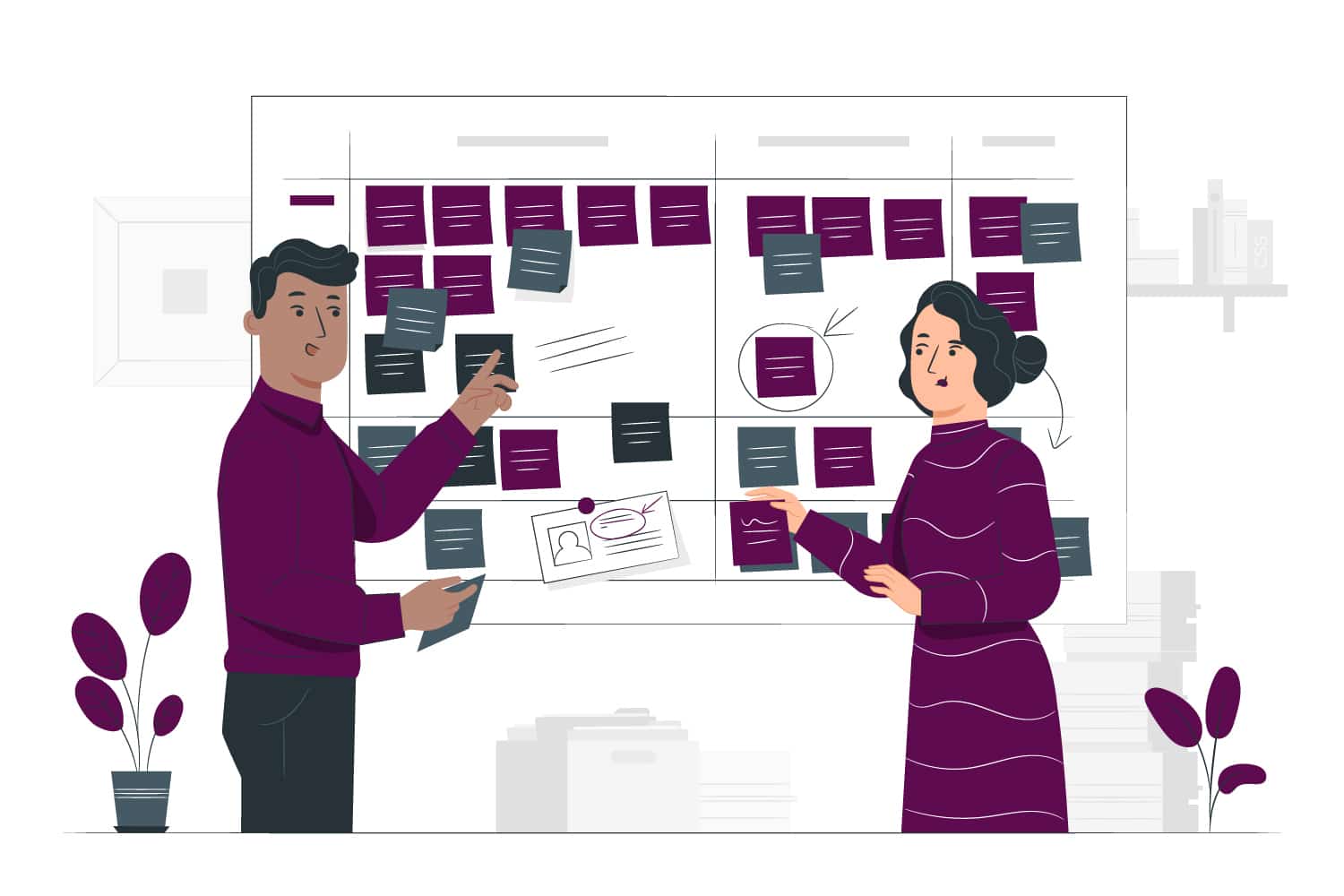
The contraction of the words sales and marketing clearly reflects the idea behind it. The two departments join forces and work together in the same direction. It is a real challenge, because in many companies, sales and marketing use negative terms in 87% of cases. One of the keys is to standardize the language, the tools and therefore the information used by your marketing team and your sales team.
Sales automation VS marketing automation
The purpose of marketing automation is to automate essential and repetitive tasks related to lead generation and management. To do this, you can use landing pages, forms (and why not progressive profiling) and emails. The idea is to attract traffic to rich content, which will then allow you to identify your leads. Then, campaigns will nurture these leads until they become hot leads, or SQLs (Sales Qualified Leads), ready to begin a sales relationship.
Next comes sales automation. The goal is to automate the essential and repetitive tasks specific to sales activity: personalizing sales emails or prospecting emails, automating appointment scheduling, preparing meetings. The important thing here is to save time without degrading quality and the essential human-to-human relationship in prospecting. While marketing automation is there to inform and build loyalty, sales automation is used to prospect and close.
Sales automation in practice
Automating appointment scheduling
To automate appointment scheduling, you can synchronize your solution with your calendar. For example, with GoToMeeting, your availability is automatically kept up to date and emails will automatically be sent to the right recipient ahead of your appointment.
Automating the preparation of sales records
Meeting preparation is very important and yet very time-consuming. By connecting your marketing automation solution and your CRM, the information collected during your leads’ journey will automatically be fed into the contact record. You can also enrich your prospect’s profile with their journey on your website, to better understand their expectations for example.
However, pay attention to a few points in your synchronization:
- will the information be bidirectional?
- will a priority rule apply so as not to erase important fields, for example?
- will your prospects be able to be automatically distributed among the different tables in your CRM?
Automating sales emails
Sales emails are widely used to create and maintain a business relationship and a climate of trust between your brand and your customer. For this, full personalization is very important. While finding the right content for your sales email for each recipient can take a very long time, it can also be automated! Sending can also be scheduled so that it arrives at the right time. The layout can be refined but also simulate a manual send, with your signature for example, and be sent from your email address. These prospecting emails can also be integrated into campaigns, whose content adapts to each recipient.
Now that sales marketing no longer holds any secrets for you, all that remains is to put it into practice. You will quickly see the results of the close collaboration between your two teams, especially by monitoring your open rates, your conversion rates and your customer satisfaction.