Customizing your CRM (Customer Relationship Management) is essential to optimize its performance and make it truly suited to your specific needs. Whether you are a communications agency, a school, an SME, or a large company, a customized CRM can significantly improve your efficiency and your customer relationship. In this article, we will explore how to customize your CRM so that it perfectly fits your business.
Why customizing your CRM to your business is important for optimizing your sales management?
The 4 steps to customize your CRM
Why customizing your CRM to your business is important for optimizing your sales management?
Customizing your CRM is not just an option, it is a necessity to adapt the tool to your specific needs. By customizing your CRM, you can not only improve your efficiency with your prospects, but also optimize your customer relationship and make decision-making easier. Here is why it is essential to know how to customize your CRM to maximize its benefits.
To optimize your processes and efficiency
Customizing your CRM allows you to optimize your processes and increase your teams’ efficiency. By integrating features specific to your business, you can reduce manual tasks and minimize human error. This leads to smoother operations and increased productivity, as repetitive tasks are automated and workflows are simplified. Integrating custom fields and automating recurring tasks help you standardize and simplify your processes, thus increasing your overall productivity.
Gain better knowledge of your prospects
A customized CRM helps you collect and analyze detailed data about your prospects, which is essential for precise segmentation and personalization of your sales and marketing actions. By adding custom fields, you obtain specific information that allows you to better understand your prospects’ needs and behaviors. This in-depth knowledge of your customer data is all the more important because it helps capture the attention of your prospects and customers. It will also later help you better target your prospecting campaigns more effectively.
Simpler and better-informed decision-making
Customizing your CRM gives you access to tailored dashboards and reports that provide key information in real time. This allows you to track your most important performance indicators (KPIs) and make decisions based on concrete data. The automatic generation of periodic reports ensures that your teams always have the most up-to-date information to assess performance and adjust their strategies. This gives you a clear and accurate overview of your business, simplifying your decision-making processes and improving your responsiveness to market changes.
A personalized approach
By customizing your CRM, you can offer a more individualized approach to your customers. This includes integrating tailored communication scripts, personalizing product recommendations based on customer preferences, and configuring specific nurturing scenarios for each segment of your customer base. This personalized approach improves the customer experience, strengthens loyalty, and increases satisfaction. By responding more precisely to your customers’ needs and expectations, you create a stronger and more lasting relationship with them, which is a significant competitive advantage.
To learn more about why customizing your CRM to your business is essential for optimizing your sales management, watch our video now!
The 4 steps to customize your CRM
Discover how you can customize your CRM to fit your business perfectly in just 4 steps.
1. Define your specific needs
Before starting any customization, it is necessary to understand your specific needs and clearly define your objectives. This involves:
- Assessment of current processes: Analyze how your teams use the CRM and identify weaknesses and opportunities for improvement.
- Defining objectives: Determine what you want to achieve with the customization of your CRM (improved productivity, better customer segmentation, task automation, etc.).
2. Adapt your tool according to your company’s processes
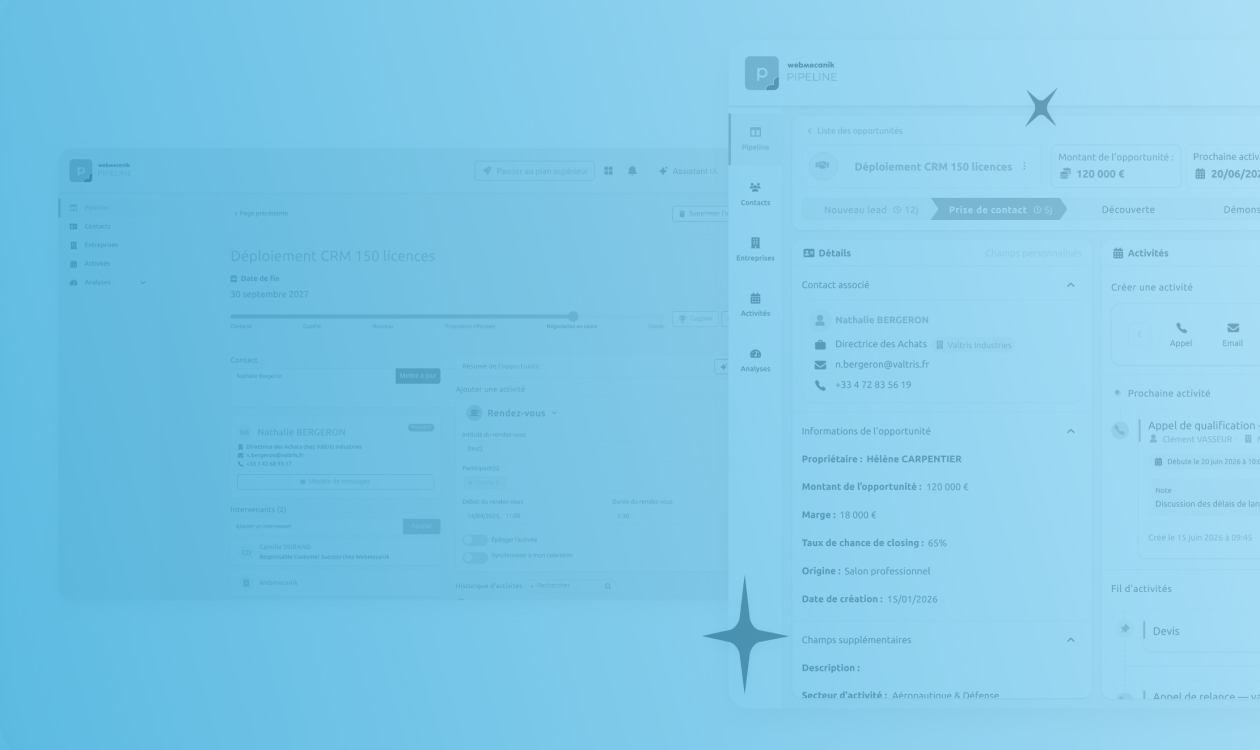
Once you know more about your needs, you can begin customizing your CRM. And this will notably involve having a sales pipeline aligned with your processes! This initial optimization is essential for tracking and managing ongoing opportunities. For example, in the SaaS sector, the stages of the acquisition funnel could include: Initial contact, Scheduled demo, Demo completed, Software trial, Quote sent. This visualization makes it possible to detect missing opportunities at each stage and implement suitable marketing actions.
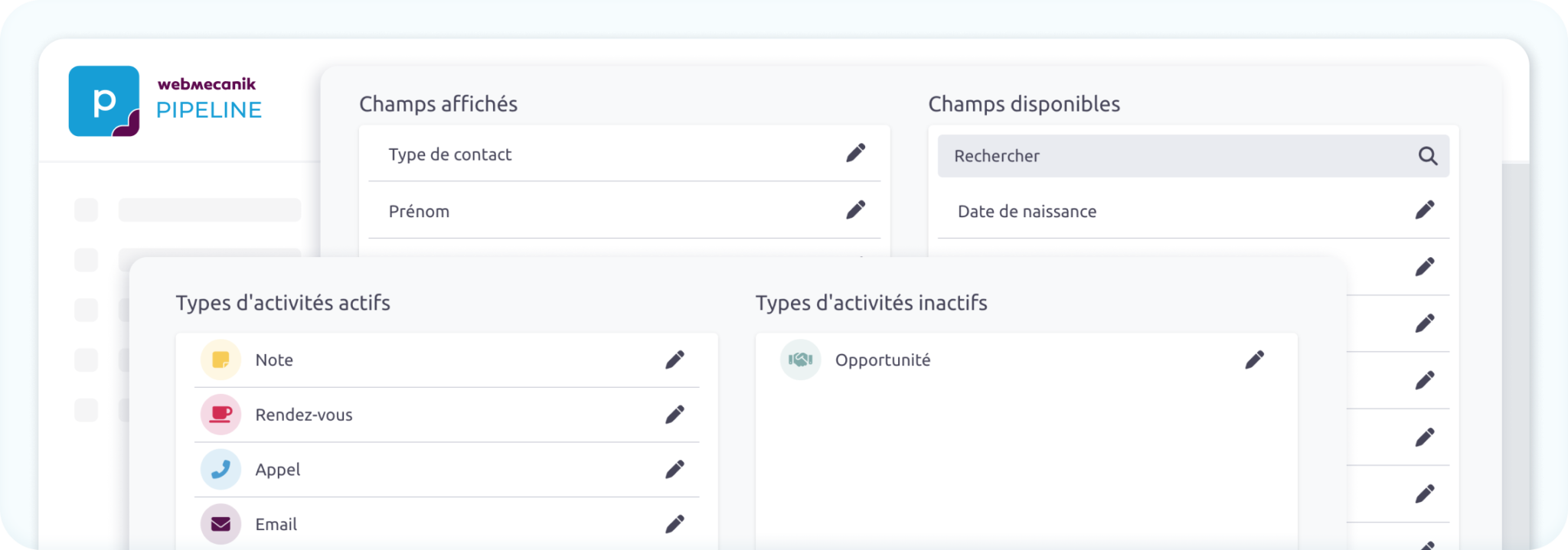
At Webmecanik Pipeline, we offer you a CRM fully customizable to your business.
It is also important to customize your teams’ daily activities by adding usual tasks in your CRM. Custom fields are essential for collecting all the necessary information about your contacts, companies, and opportunities. A complete CRM record makes it easier to manage your interactions and improves your sales performance.
3. Test
Test your customized CRM to check whether the changes made truly meet your needs. Field testing makes it possible to detect any necessary adjustments. Customization is an evolving process that requires continuous adjustments to remain aligned with your objectives.
4. Update your CRM
Do not forget to update your CRM when your processes change. Regular updating is necessary to maintain the relevance and effectiveness of your CRM. Reassess your approach if you notice a drop in productivity within sales teams and adjust your processes accordingly.
Well, you got it, these 4 steps will help you in your sales strategy. You will remain constantly aligned with the company’s expectations and needs and will therefore be more efficient!
Conclusion
Customizing your CRM is a strategic investment that can transform the way you manage your customer relationships. By following these steps, you can create a CRM perfectly suited to your business, capable of boosting your productivity and improving the customer experience. Do not forget that customization is an ongoing process: stay attentive to your teams’ needs and to developments in your market to get the most out of your CRM.