
Importance of SMS marketing in the communication strategy
Before the SMS marketing campaign
What to do for your SMS marketing campaign
How to analyze your SMS marketing campaigns?
Importance of SMS marketing in the communication strategy
SMS marketing as a communication channel is considered outbound marketing. Integrate SMS marketing campaigns as a multichannel strategy into your overall marketing strategy. It is a fast and highly accessible communication method. In 90% of cases, SMS messages are generally read within 3 minutes of being received. This communication channel makes it possible to reach a wide audience. In France, 95% of the population owns a mobile phone.
Before the SMS marketing campaign
Import and synchronize your database
If you already have contacts in your database, they can easily be added to your campaign by selecting the appropriate segments. You can also import users into your marketing automation software by synchronizing it with your CRM, such as Webmecanik Automation and Webmecanik Pipeline. The contacts in your database must have given their explicit consent to receive communications from you. You must therefore follow a few GDPR compliance rules.
The software you use must of course comply with regulations.
Segment your database for your SMS marketing campaigns
To create SMS marketing campaigns, you need to segment your database. Segmentation allows you to personalize your communication according to each contact group in your database. You can create different segments based on demographic, geographic, and above all behavioral criteria, made possible thanks to behavioral tracking, available through our marketing automation software.
Your CRM or marketing automation software should make this segmentation easier. It should allow you to easily define segmentation criteria and create segments according to your needs. For example, you can target a segment of people living in a particular region for a special offer or send a specific message to your customers who have made several purchases in the last six months. Use and visualize your sales funnel to optimize your campaign.
Thanks to segmentation, your messages will be more impactful and better suited to each contact group, which will increase engagement and the effectiveness of your campaigns. By using your software’s segmentation features, you can send SMS messages that precisely meet the expectations and interests of your recipients, thus strengthening the relationship with your audience and optimizing your marketing results. To go further, you can even add the concept of scoring to measure the maturity of your leads.
What to do for your SMS marketing campaign
Write a concise message
For your SMS marketing campaign, write a concise message; you are often limited in characters (160 maximum). I therefore advise you to get straight to the point without forgetting the goal of your campaign. You can also personalize the message by adding the recipient’s first name, for example. They will therefore feel more concerned by the message intended for them. Keep your signature; if you want to reinforce your communication, I recommend keeping your usual habits so that the recipient is not confused.
In your messages, do not hesitate to include CTAs. These calls to action can take the form of a link or a promo code. Make sure the promo code is exclusive to the SMS campaign so you can track users. For the link, include a UTM specific to the SMS campaign to ensure traceability.
Webmecanik Automation for your SMS campaigns
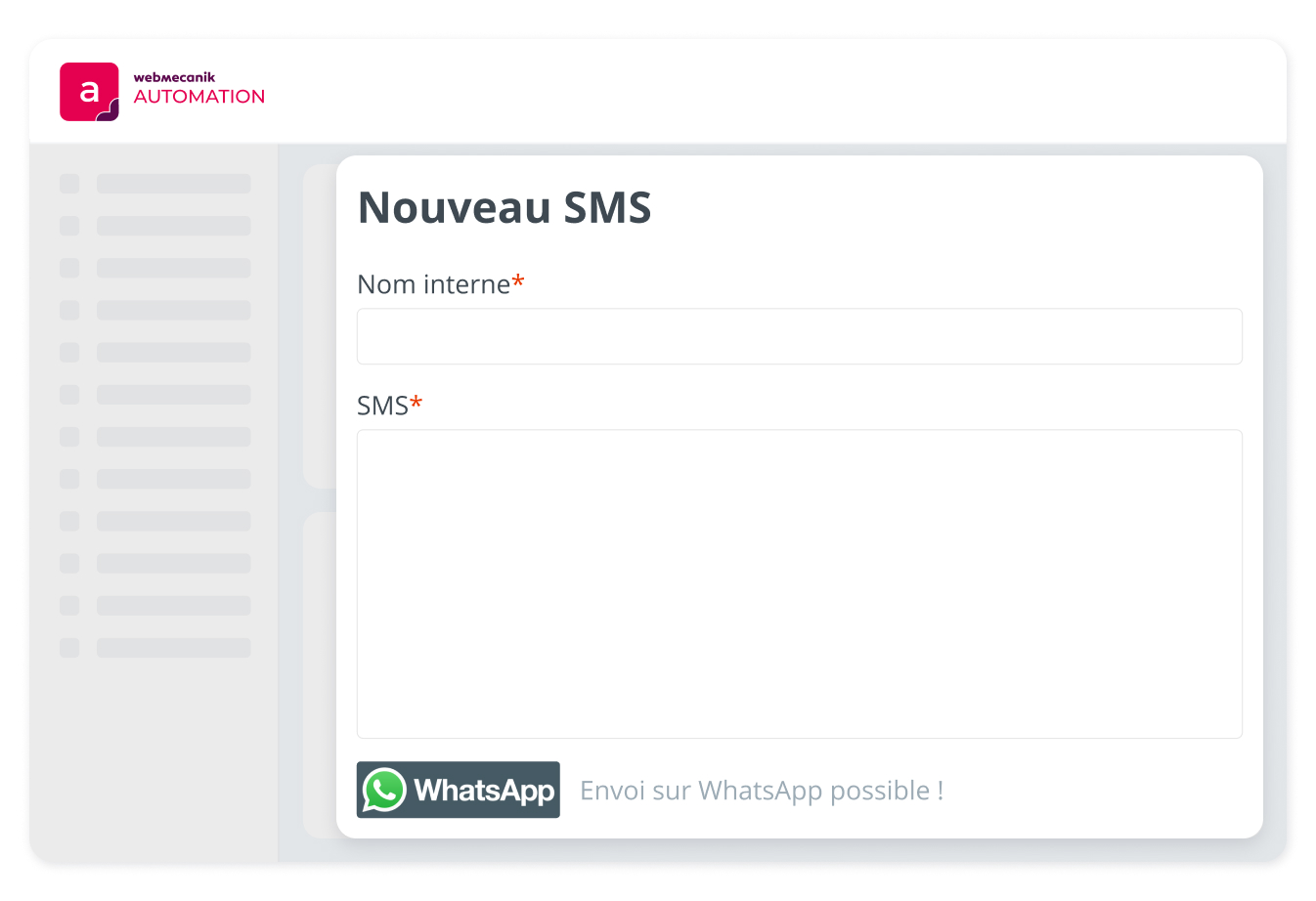
Within Webmecanik Automation, the deliverability of your messages is made possible thanks to the Twilio and Retarus integrations in our software.
To send campaign SMS messages with Webmecanik Automation, simply go to the SMS tab of your instance and select your message template. Fill in the available fields using the variables mentioned earlier. Once this is done, you will need to choose your segment. Then select your campaign SMS or create a new one. Once the campaign is published, the SMS messages will be automatically sent to your contacts! ?
Finally, you can also add AB testing to your SMS marketing campaigns to maximize their impact.
Proofreading before sending
Proofreading before sending a message is often overlooked, but it is essential. It is the final check before sending, allowing you to spot and correct any text, grammar, or content errors that could harm the impact of the message. It also ensures that the message is consistent with the company’s overall strategy, thus avoiding any confusion among recipients.
Choose the right time to send your SMS messages
Either you run push campaigns, in which case you will need to choose the sending date. In this case, to keep your SMS marketing effective, plan at least one send per month. This frequency allows you to maintain a presence with your contacts and prevent them from forgetting their subscription. Or, and certainly the best way to send your marketing SMS messages, is to use an automation solution to schedule sends according to scenarios. This allows you to increase the effectiveness of your messages and personalize the best sending time based on your contacts’ behavior.
How to analyze your SMS marketing campaigns?
To analyze your SMS marketing campaigns, it is essential to track performance indicators:
- Number of SMS messages sent
- Click-through rate
- Sales generated
- Unsubscribes
- Bounce rate (undelivered messages)
- Use of promo codes.
You should also track clicks on links using UTMs. The analytics tools integrated into your software make it possible to measure these indicators in detail. By using this data, you can adjust your marketing strategies. This allows you to improve your results by adjusting your messages, your campaigns, and the sending dates and times to increase your contacts’ interest and thus conversions. If the topic of marketing automation interests you, we recommend this article on the 3 marketing automation workflows to get started properly.