Discover the new folder-based management feature
Emails on one side, campaigns on the other, scattered segments… What if everything were brought together in one place? With the folder-based management feature, available in the Premium plan of Webmecanik Automation, structure your marketing actions from A to Z by gathering them into organized, collaborative, and 100% customizable folders. 🚀
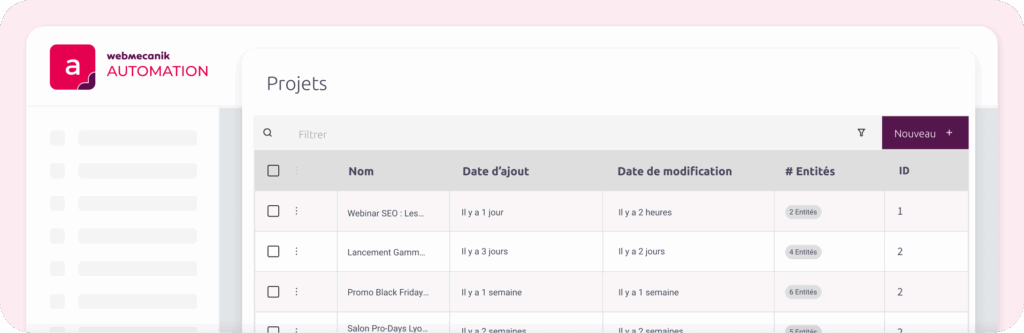
Organize your projects according to your logic—not the other way around!
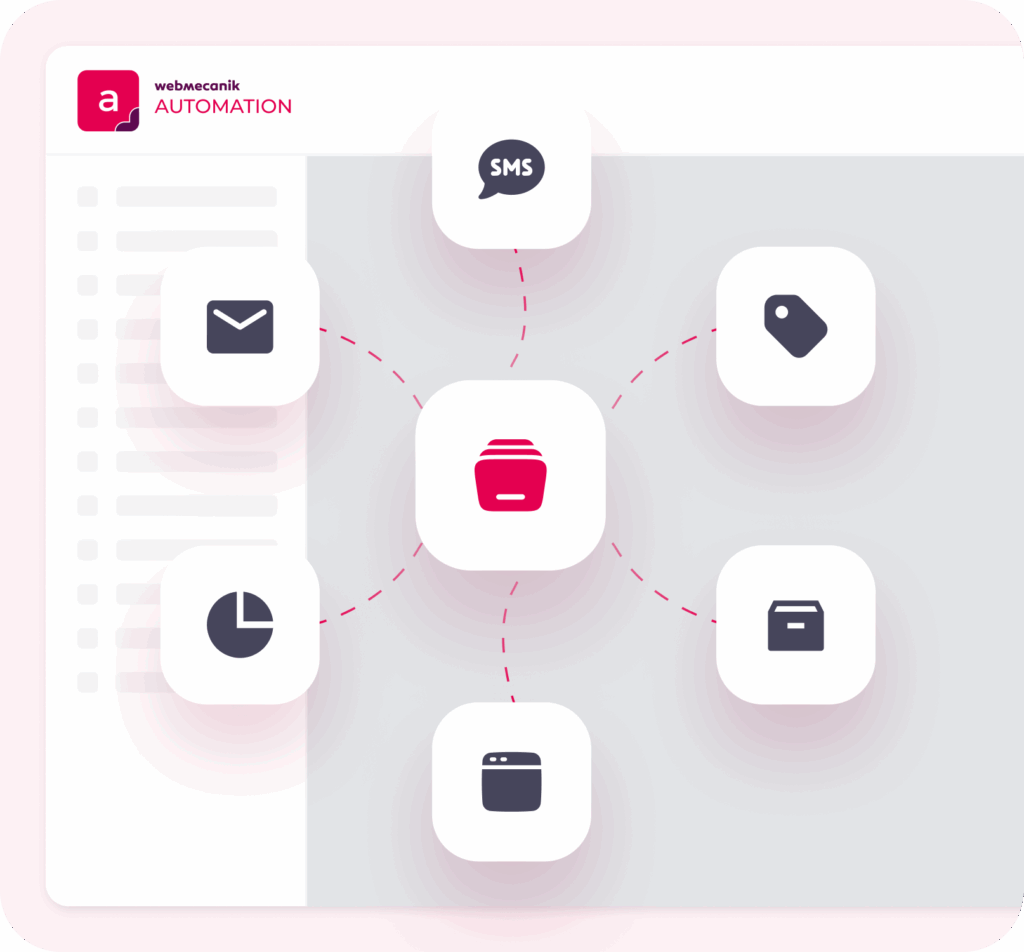
Your way of working is unique, and so are your projects! Whether your setup is based on goals, audiences, or campaigns, the Folder management feature adapts to your logic. Create custom folders and group everything in them: emails, segments, landing pages, forms, reports, SMS, tags… Everything is centralized for maximum clarity and efficiency.
Concretely, what changes for you and your team?
- Immediate time savings: no more navigating through different sections of the software to find your marketing assets
- 360° visibility: each project has its own structure, making it easier to access the related elements.
- Fewer errors: centralizing by project limits risks, especially when you manage multiple campaigns in parallel
- Operational efficiency: run all your campaigns simultaneously with more fluidity and ease
- Optimized collaboration: a single source of truth for everyone, making coordination easier, accelerating decision-making, and strengthening team alignment
Because your marketing projects often include a wide range of elements, structuring them optimally in dedicated folders becomes an essential efficiency lever for your entire team. 🎯
How does it work?
1️⃣ Create a folder based on your needs: campaign, audience, goal, or time period.
2️⃣ Add the relevant elements: emails, landing pages, segments, forms, reports, tags, SMS…
3️⃣ And that’s it! You’ll have everything grouped together in a single, shared space—ready to review or update.
📝 A concrete example
Let’s get into the details. Imagine that you launch a lead generation campaign to promote your new guide on optimizing marketing automation, targeting specifically the marketing directors and managers of SMEs.
With the Projects feature, you will create a dedicated folder for this campaign, for example named “LeadGen Guide SMEs”.
Inside this folder, you will centralize absolutely all related elements: your download and nurturing emails designed for this audience, your precise segments such as “SME Prospects” or “Guide Download Prospects”, your landing pages and associated forms, and of course, all performance reports (open rates, landing page conversions, engagement on nurturing).
When your team reviews the campaign—whether analyzing landing page conversion rates or adjusting the message of an email—everything will be available instantly in this single folder. No more wasting time searching for scattered information, fewer risks of errors.
Your marketing projects become clearer, more structured, and much easier to manage collectively toward success.
🔎 Need more information? Find all the answers in our dedicated FAQ.
A feature designed for multi-project teams 🚀
Designed for marketing teams juggling multiple projects and a large amount of content, this feature gives you full control over your actions. With folders, you get a clear overview, helping you stay organized, improve efficiency, and focus your energy on what really matters—without unnecessary complexity.
Ready to become more effective in your marketing projects? Contact us now!
ℹ️ For users of the Premium plan of Webmecanik Automation, the feature may take up to several days to become available on your account.