

 Managing sales opportunities
 Contact and company management
 CRM AI
 Email archiving
 Reporting and statistics
 Mobile CRM Application
 Sales activity tracking
 Email templates
 Sales targets
 Geolocation of contacts and companies
 MCP Webmecanik Pipeline Server
 Centralize your data
 Sales Forecasting
 Save time
 Improve my sales performance
 Migration to Webmecanik
 Integrations
 Partners
CRM database
 Manage your contacts and companies efficiently
Build your CRM database
Centralize your data in one place
Manage your contacts and companies efficiently
Build your CRM database
Centralize your data in one place
Your business contacts at your fingertips
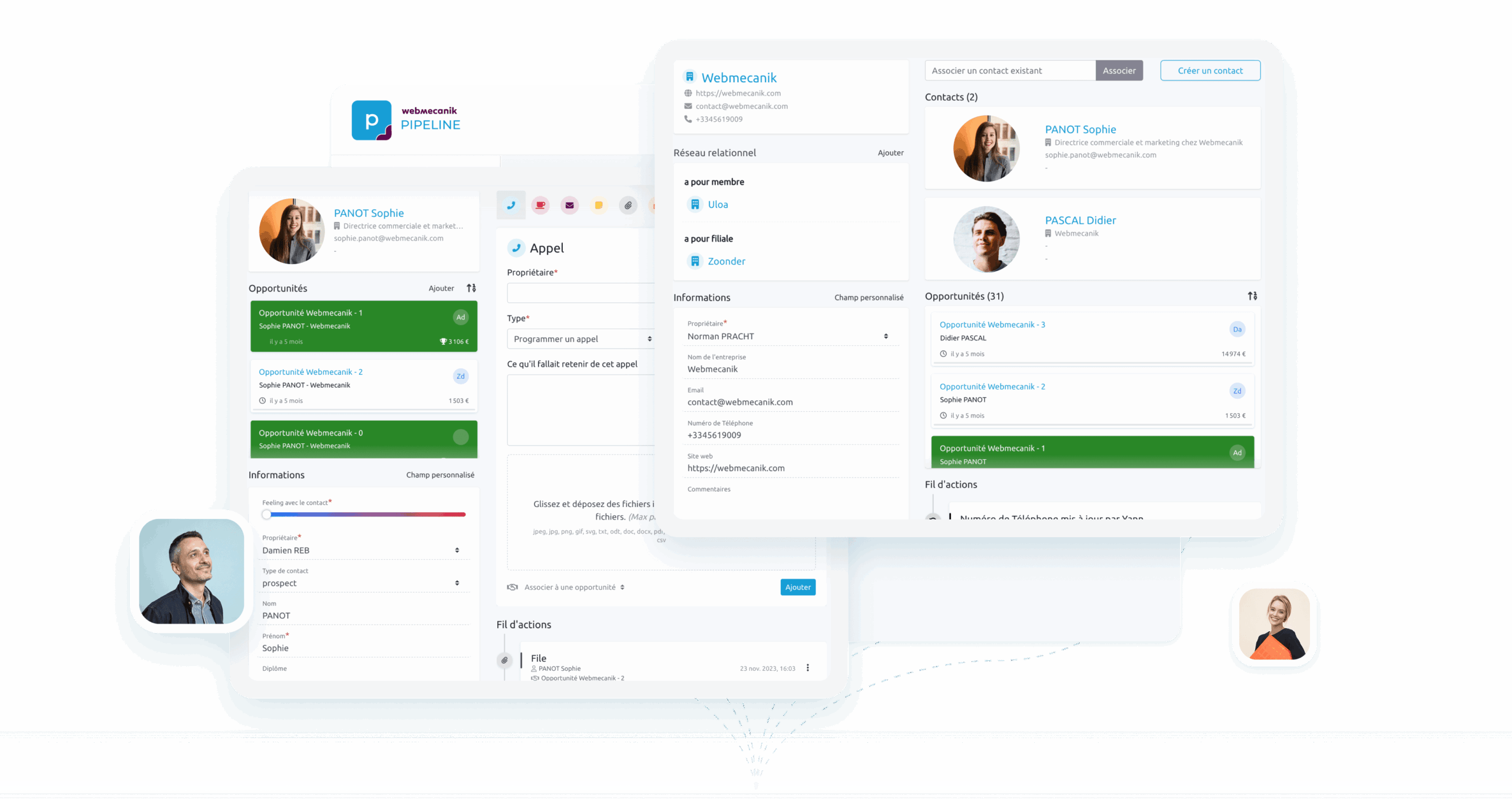
Simply log in to your CRM tool to manage your contacts, whether prospects or customers. Webmecanik gives you two entries: contacts and companies to build your CRM database.
Interaction history
Emails, calls, meetings, shared documents—view interactions with your contacts at a glance.
Read moreRelationship network
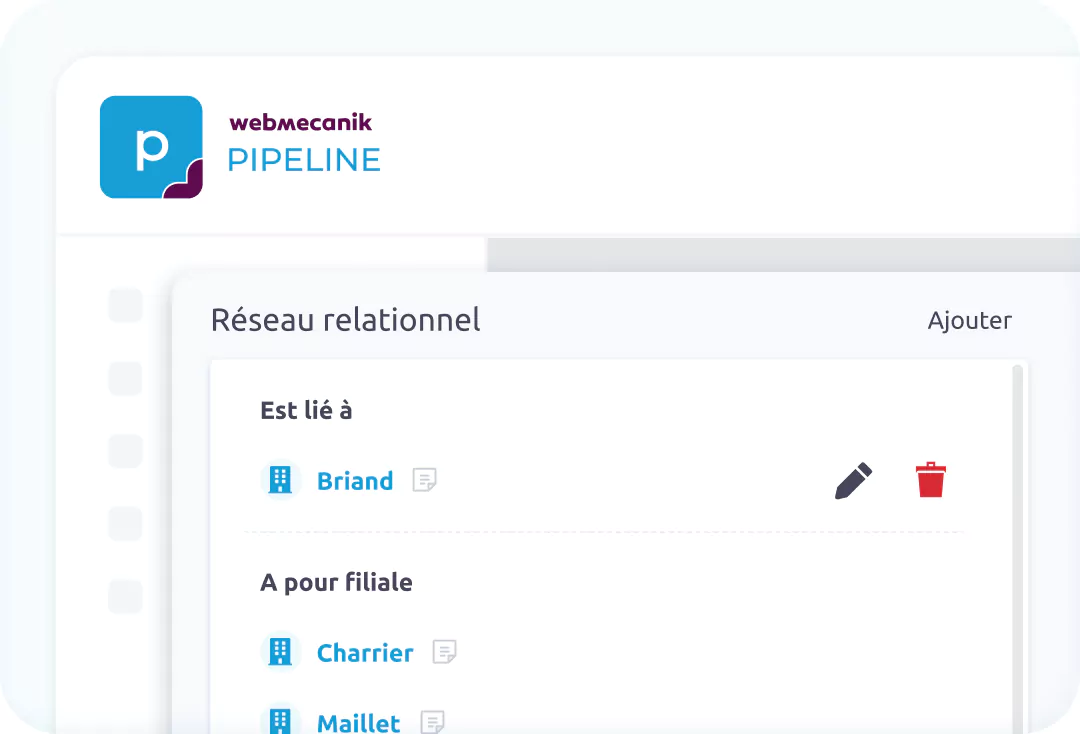
Establish links between companies. The relationship network aims to map precisely the links between organizations. It enables clear and reciprocal relationships between companies, for example company A “has as a client” company B, which automatically records company B as “being a client of” company A. This intuitive approach ensures data integrity and makes your CRM easier to use.
Qualify well to segment well
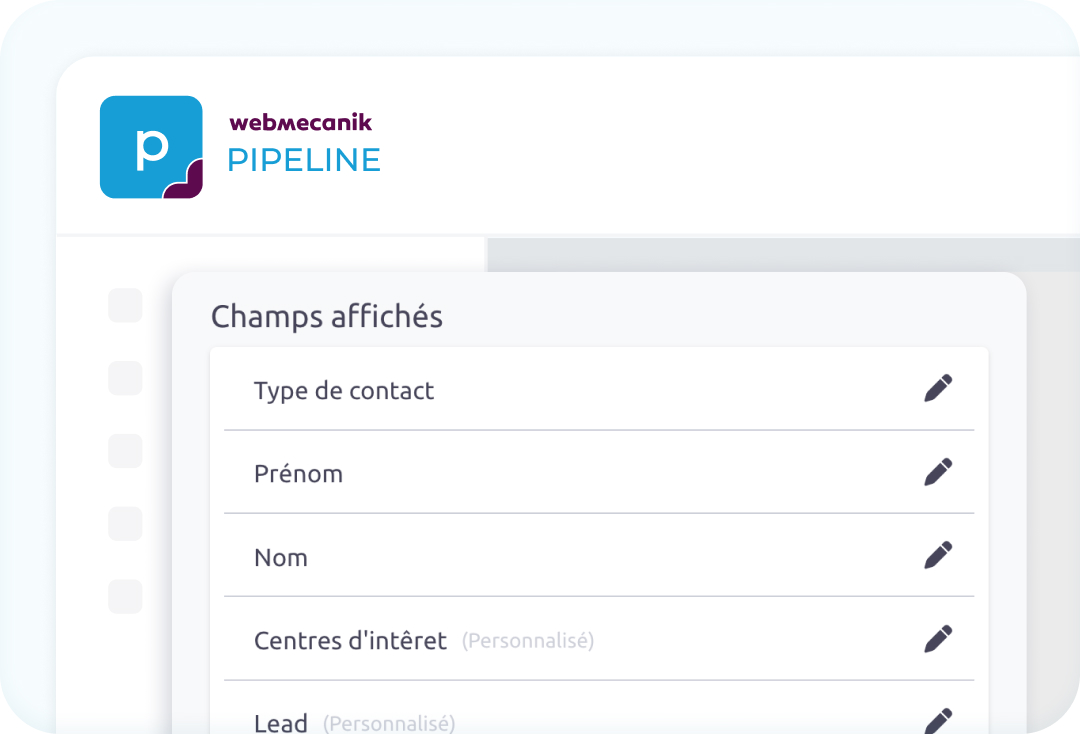
Create custom fields on your contact records easily! All qualification information is essential for processing data later. For example, you can add a field “Interests” and complete it for each contact based on a specific product. This way, you can perform a specific search of all contacts with a particular attribute!
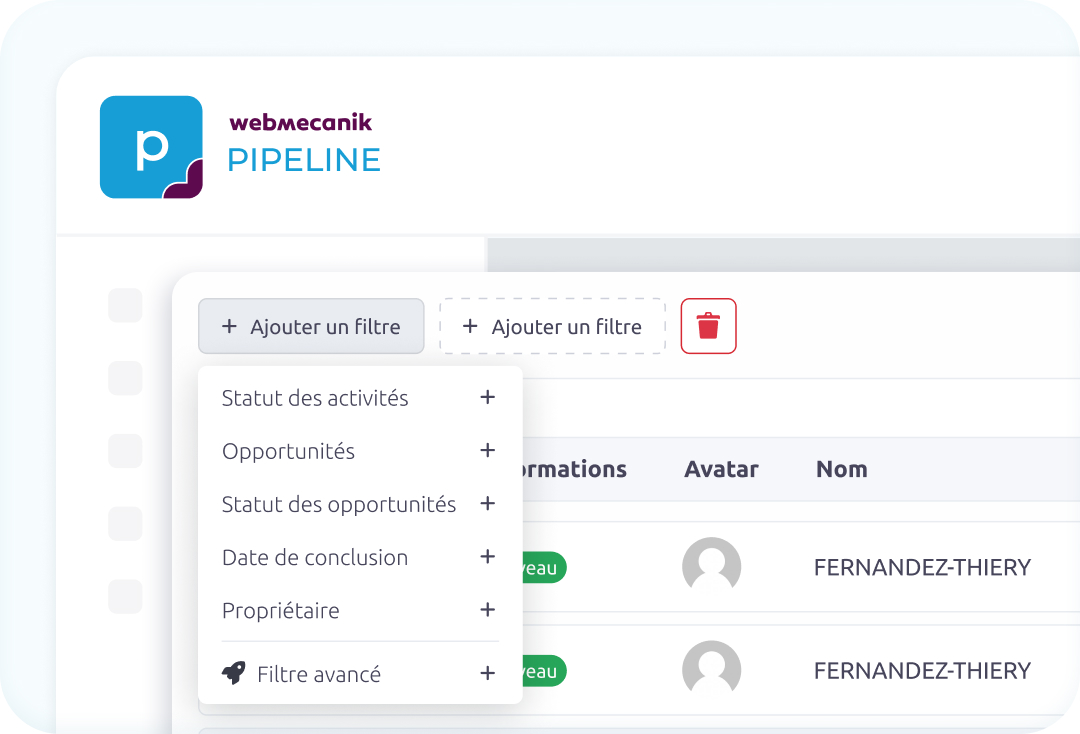
Advanced filters and searches
Whether you’re preparing a prospecting action or simply want to segment part of your contacts, you can do it with an advanced filtering system. You can filter addresses, tags, custom fields, or any information in your contact and company records. You can perform cross-searches, for example by finding all companies with an open opportunity and with contacts showing a specific interest by creating a custom field.
See other features
Adopt the CRM that boosts your sales efficiency
With Webmecanik Pipeline, centralize your data, track all your sales actions, and never let a sale slip away again. While giving your sales team more performance and peace of mind!