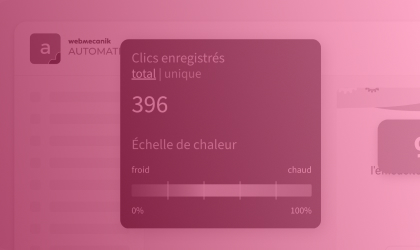
Heatmaps applied to emails reveal valuable insights into the behavior of your contacts: where their attention goes, which elements generate clicks, and which ones are ignored. But to turn this data into real optimization levers, you first need to know how to interpret it. Here’s how to make use of heat zones to concretely improve your email performance.
The different heat zones in an email
Heat zones: a valuable tool for your A/B tests
? Our checklist to optimize your emails
The different heat zones in an email
An email heatmap highlights different areas based on readers’ activity: hot zones (high interaction), warm zones (moderate interest), and cold zones (little or no interaction). This visual map helps you understand where clicks concentrate, where the eye stops, and—most importantly—which content goes unnoticed. By adapting your content to these zones, you improve readability, message hierarchy, and ultimately engagement.
Hot zones: capitalize on attention
Hot zones correspond to the parts of the email where your readers focus the most. You’ll often find them above the fold (the visible portion without needing to scroll), around an eye-catching visual, or near a well-positioned CTA.
These are the areas where your high-stakes elements should be placed: main button, key message, flagship offer. By positioning them in hot zones, you naturally increase the chances of clicks and conversions.
? If you notice a hot zone around a button… but it gets few clicks, this may indicate a problem with the wording or with readability.
Try to:
- revise the button label to make it clearer or more compelling,
- add a complementary visual (icon, arrow),
- test another color or a stronger contrast.
Warm zones: opportunities to optimize
Warm zones sit between two extremes: they’re not completely ignored, nor particularly emphasized. They indicate transition points, content that’s moderately viewed, or elements that generate partial but not decisive interest.
These areas are often underexploited, even though they can become real engagement hubs… provided you refine them properly. You should treat warm zones as levers to activate. To do that, ask yourself the right questions:
- Is the element visible enough?
- Is the content offered in that spot clear and persuasive?
- Does the design naturally draw the eye?
Then you can act at different levels by:
- Clarifying the message so it’s more impactful (avoid vague or generic wording).
- Adding a visual touch (pictogram, highlighting, a framed box) to capture more attention.
- Changing the order of the blocks: in some cases, simply changing a block’s position in the email is enough to turn a warm zone into a hot zone.
? These zones are perfect for testing secondary CTAs, additional content, or variations of messages (e.g., soft prompts like “learn more” or “see the details”). This helps reach readers who are less responsive to the main elements, without overcrowding areas that are already highly solicited.
Cold zones: identify ignored areas and fix them
On the other hand, cold zones show you where attention drops off: few clicks, little viewing, or even no interaction at all. They’re often located at the bottom of the email, or in sections that are not very visible or not very engaging.
You need to ask yourself whether the elements placed in these zones truly deserve to remain there. If a secondary CTA, a complementary offer, or important information sits in a cold zone, move it up within the email, or make it more visible:
- By revising the design,
- By opening up the content around it,
- Or by simplifying its presentation.
? Some ignored content may simply be redundant. In that case, don’t hesitate to streamline your message. A shorter, better-structured email captures attention better and converts more.
Heat zones: a valuable tool for your A/B tests
|
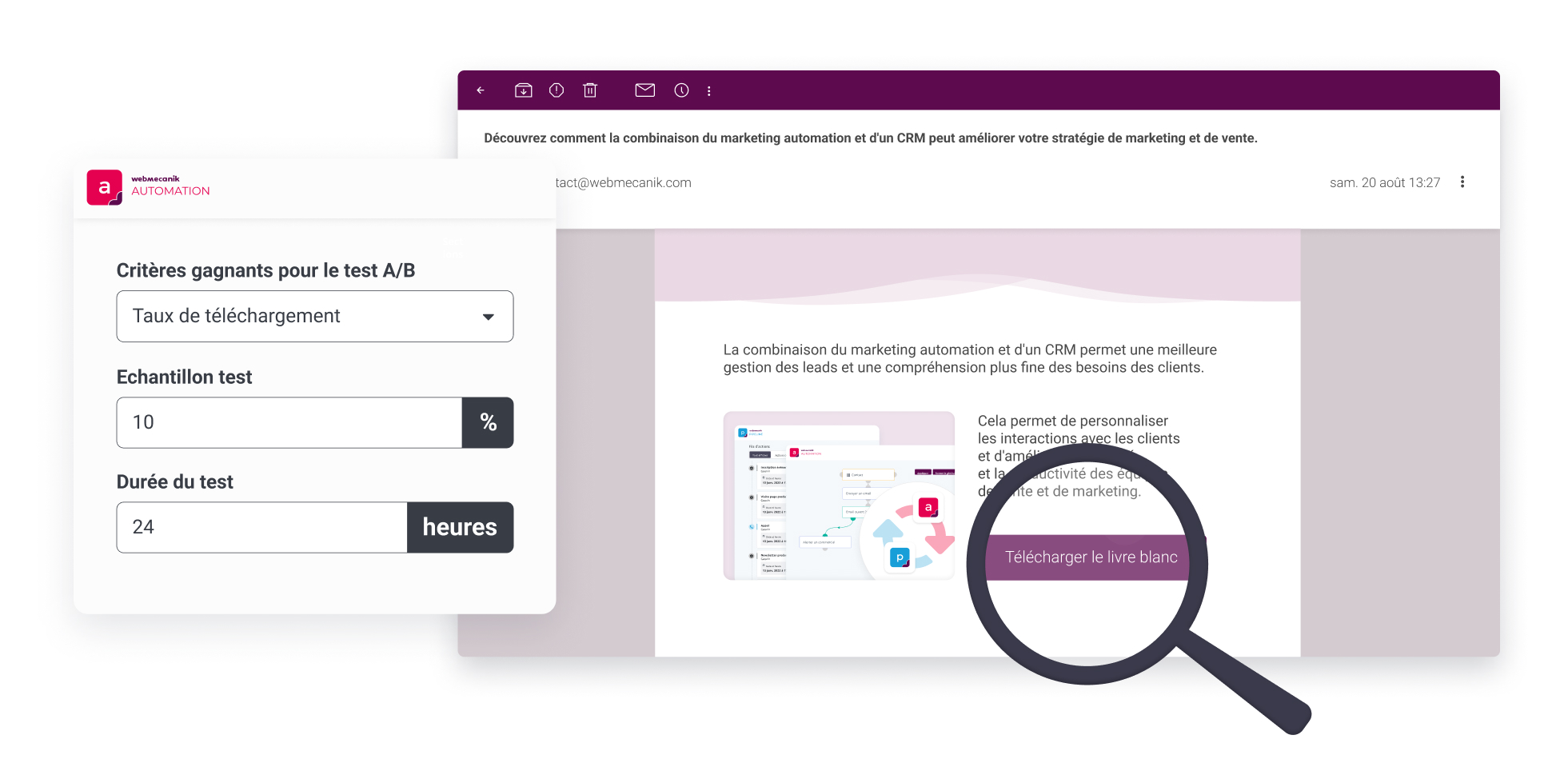
One of the best ways to use email heatmaps is to combine them with A/B testing. Test different placements for your key elements (CTAs, images, offers) and analyze heat zones to see whether the adjustments make a difference in terms of engagement. For example, if a call-to-action button is located at the beginning of the email but the click-through rate remains low, test it with different copy or a more contrasting color. You’ll quickly be able to see whether the adjustment increases interactions in that hot zone. |
 |
? Our checklist to optimize your emails
Before sending your next email, review these essential points to fully take advantage of the heatmap:
- Are the hot zones being used well? Are your CTAs, main offers, or key messages positioned in the most visible and engaging zones?
- Can warm zones be optimized? Have you refined the moderately viewed content to better capture attention (design, wording, hierarchy)?
Do the cold zones contain important elements? Identify ignored content: should it be moved, reworked… or removed? - Have any variations been tested? Use your heatmaps as a basis for targeted A/B tests: button placement, wording, visuals… each adjustment can make a difference.
Do the clicks lead to real conversions? Analyze the post-click journey to check whether hot zones are not only attractive, but also effective in terms of results.
By combining visual analysis and strategic optimization, heatmaps are no longer just reporting tools: they become real action levers to create more effective emails, that are clearer and more engaging.