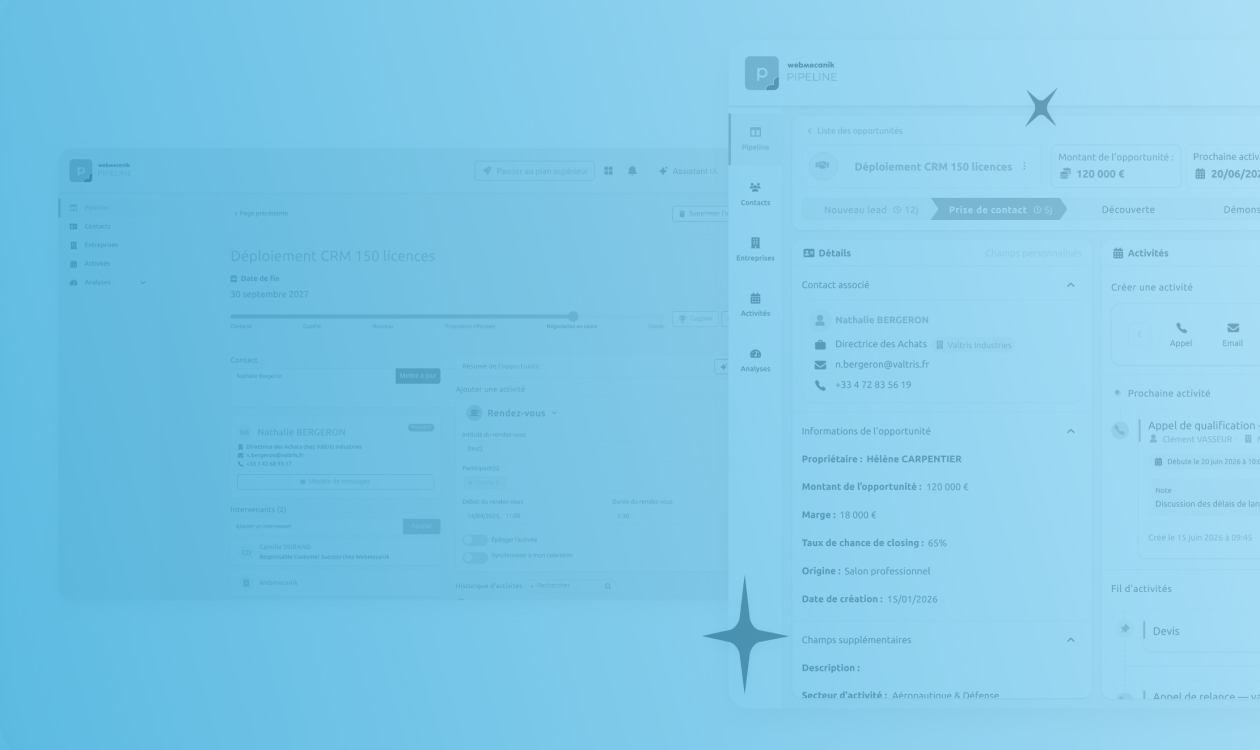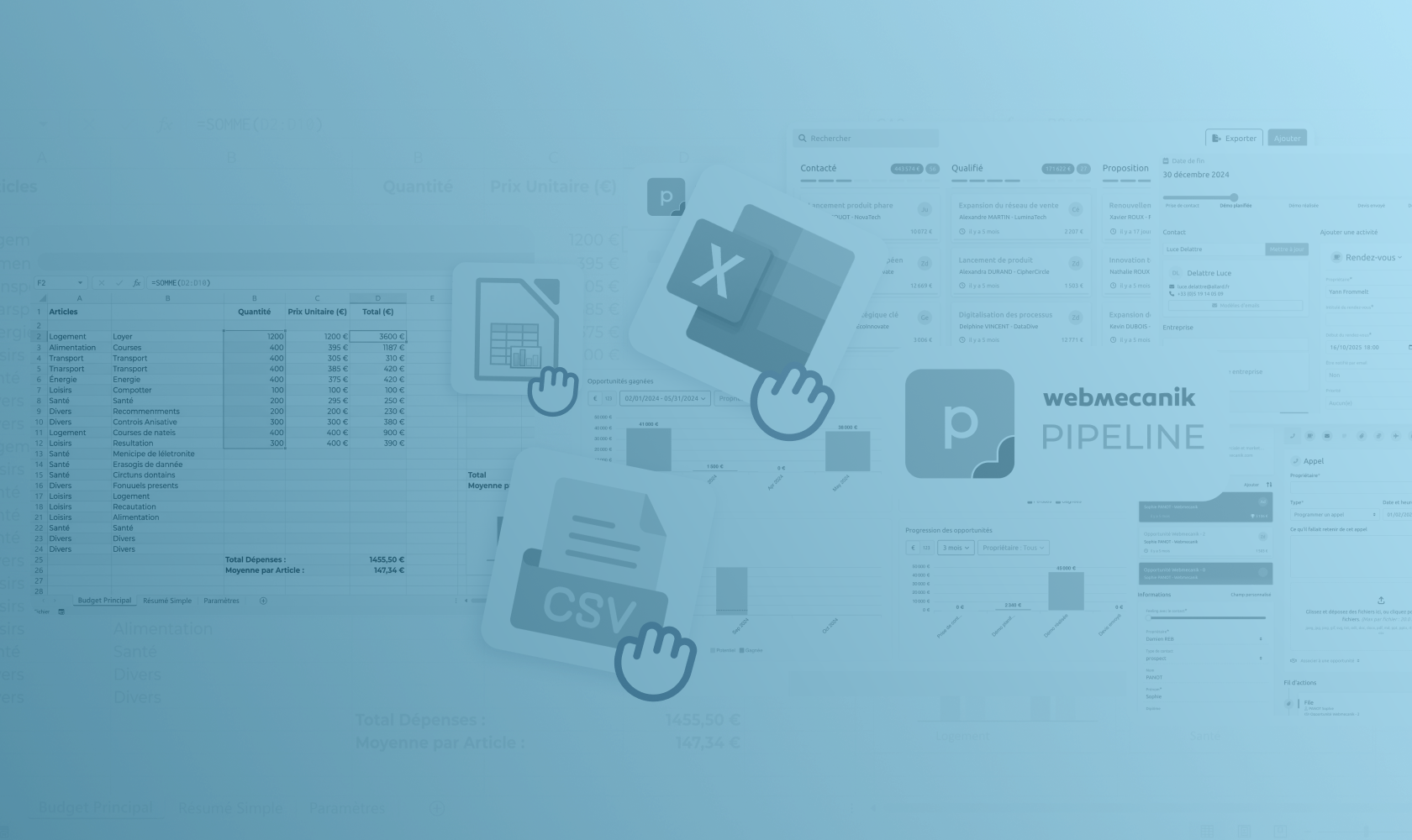
Since the start of your career, you’ve been used to keeping your calendars separate from your CRM without realizing that you’re wasting time? That time is over. Today, you have the option to synchronize your Microsoft calendar with your CRM. Finally!
The Webmecanik Pipeline CRM (like many other CRMs) offers synchronization with the entire Microsoft environment, namely, Microsoft Outlook, Microsoft 365 and Microsoft Exchange. Your possibilities are greatly expanded, and so is the time you save!
Productivity, accuracy, customer knowledge, team collaboration, and an improved customer experience… Discover 5 reasons to synchronize your Microsoft environment calendar with your CRM.
Increase your productivity
By synchronizing your CRM with your Microsoft calendar, you’ll score points when it comes to productivity! No more switching from one window to another and trying to gather all your business and personal appointments for the day into a third document. In your Microsoft calendar, you now have a global view and enhanced activity tracking. All your appointments are in the same place, which helps streamline your tasks. No need to make extra efforts to manage information about your clients and your appointments. Everything is in the same place.
A more accurate CRM
Who likes manual entry? No one! Synchronizing your Microsoft calendar with your customer relationship management (CRM) system allows you to eliminate manual data entry while ensuring that customer information is kept up to date. The result? You can more easily track where you stand with your clients and prospects. The risk of errors and inconsistencies is reduced.
Better customer knowledge
With your calendars synchronized, you get a global view of your day and optimized customer follow-up. At a glance, you know the behavior and preferences of your clients and prospects, making it possible to make informed decisions and improve your conversion rates. By opening your CRM, you know what your tasks are for the day and which clients to contact. You have the history of the customer relationship and can more easily move on to prospecting or creating marketing automation campaigns.
Also read: Why synchronize Google calendars with your CRM?
Better collaboration with your team
Your entire team has the same CRM and works on Microsoft. Your colleagues can access your opportunities and progress with your prospects without asking you. They have a global view of your activities and details about your clients, which allows more effective collaboration between the marketing team and the sales team! The bonus? Customer service is even better because all employees can answer customers’ questions since they finally have access to all their information thanks to synchronization.

Improve your customer experience
Synchronization with Microsoft provides up-to-date customer information directly in your CRM. If you’ve enabled this synchronization, sales managers know where you stand with Mr. Dupont and can therefore provide more personalized and faster service. Which is the number one criterion for a better customer experience! ?
Greater efficiency, more accuracy, and better customer satisfaction are the main benefits you’ll gain from synchronizing your calendars with your CRM.
In a word, this feature gives you the opportunity to build stronger customer relationships and achieve your business objectives. It’s tempting, isn’t it? Find out here how to synchronize your calendar with your CRM in 40 seconds: