

 Folder-based management
 Marketing AI
 Marketing Segmentation
 Multichannel communication
 Workflow automation
 Email marketing & newsletter
 Smart forms
 Landing Page
 Dynamic web & email content
 Behavioral tracking
 Lead scoring
 Custom objects
 Generate qualified leads
 Retaining customers
 Personalize your communication
 Migration to Webmecanik
 Integrations
 Partners
Zapier and marketing automation
Your technical ecosystem must be connected and synchronized. With Zapier, here are some possible integrations
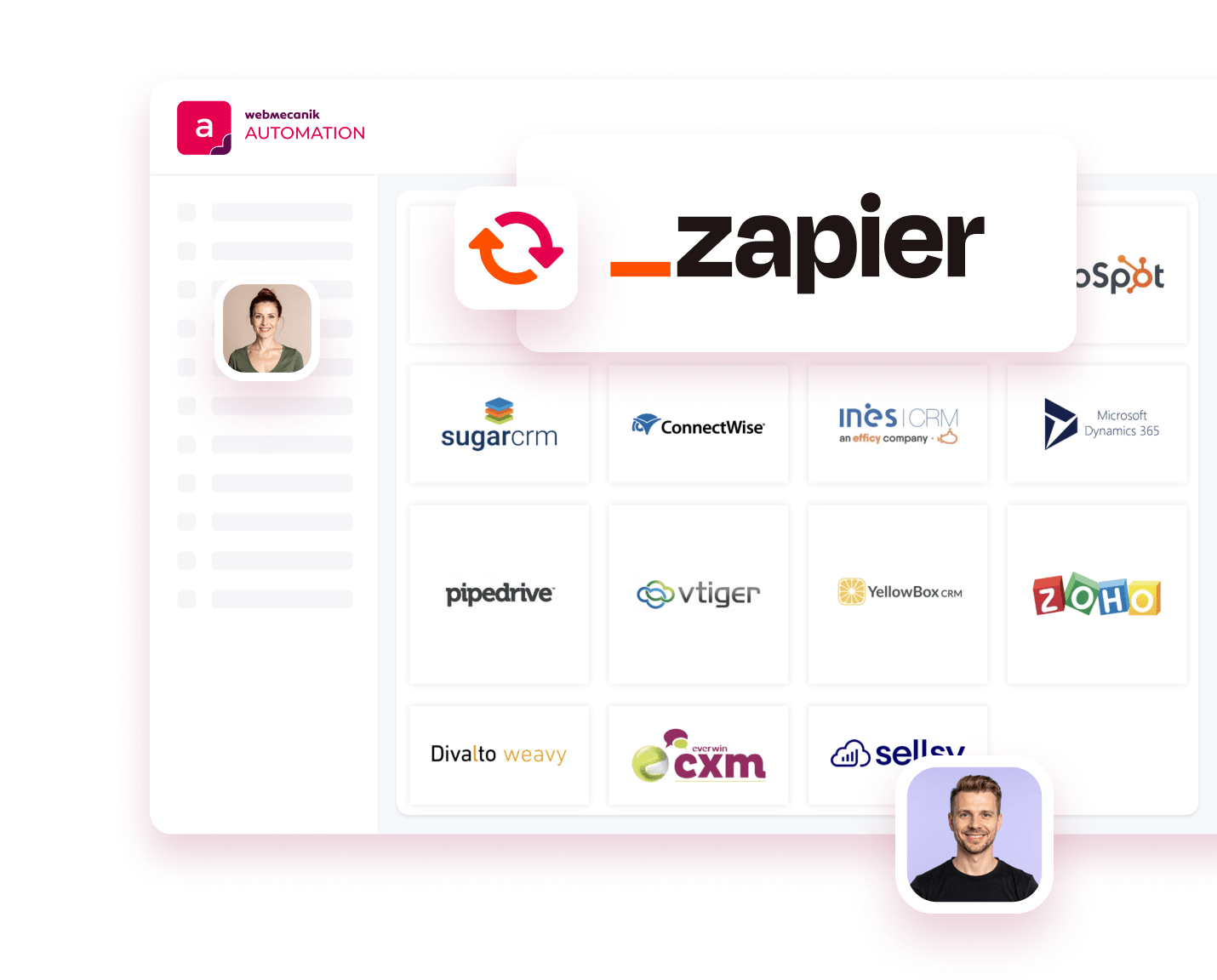
Automate your ecosystem
Connect Webmecanik Automation to over 2,000 software tools and automate your daily tasks thanks to Zapier and marketing automation. Save time in your processes and connect your software together. It’s time to easily unify marketing and sales!
What is Zapier?
Zapier acts as a bridge between more than 2,000 applications, making automation between multiple software tools easy, whether for marketers—including email marketing and lead management—or for sales teams. A no-code tool, you can get started easily and access numerous features, from data synchronization to workflow management, including segmentation and personalization.

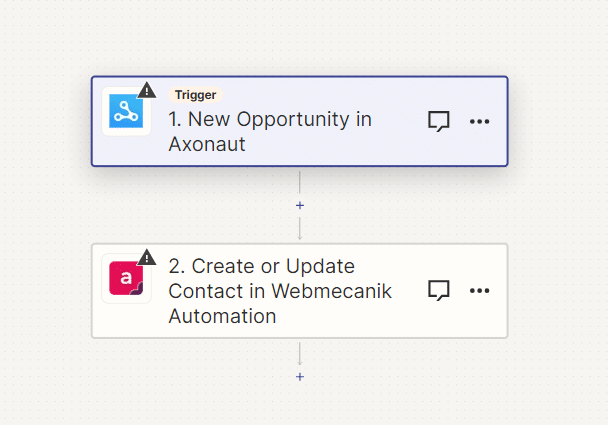
Integrate marketing automation into your ecosystem with Zapier
If your software doesn’t offer a native integration with Webmecanik Automation, you can likely find your favorite app to connect via Zapier and create your zap. Set your trigger in Zapier (account creation, form submission, etc.) and launch actions such as creating a new contact or updating data. In just a few clicks, your Zap is created and your data is leveraged.
And you’re off! Zapier automatically transfers information between Webmecanik and your applications so you can focus on your most important work.
Save time through automation
By setting up automated workflows with Zapier, you can eliminate manual efforts and tedious copy-paste. Dedicate that time to your customers and higher-value tasks.


Increase your productivity
By setting up automated information flows with Zapier, you go beyond simple copy-paste of data. You can look up data across multiple tools before integrating it into your central database. Your information can be moved in either direction, modified, updated, and sent—everything you need to achieve your big ambitions.
Thanks to the ability to have any event in your system trigger a sequence of updates and actions across all your tools, you’ll be able to implement creative and high-performing processes.
Automate your lead management and improve conversions
With Zapier, you can automate every part of your lead funnel and give yourself the best chance of converting them into customers. Automate everything from lead capture to nurturing to reporting, and close more deals and revenue.
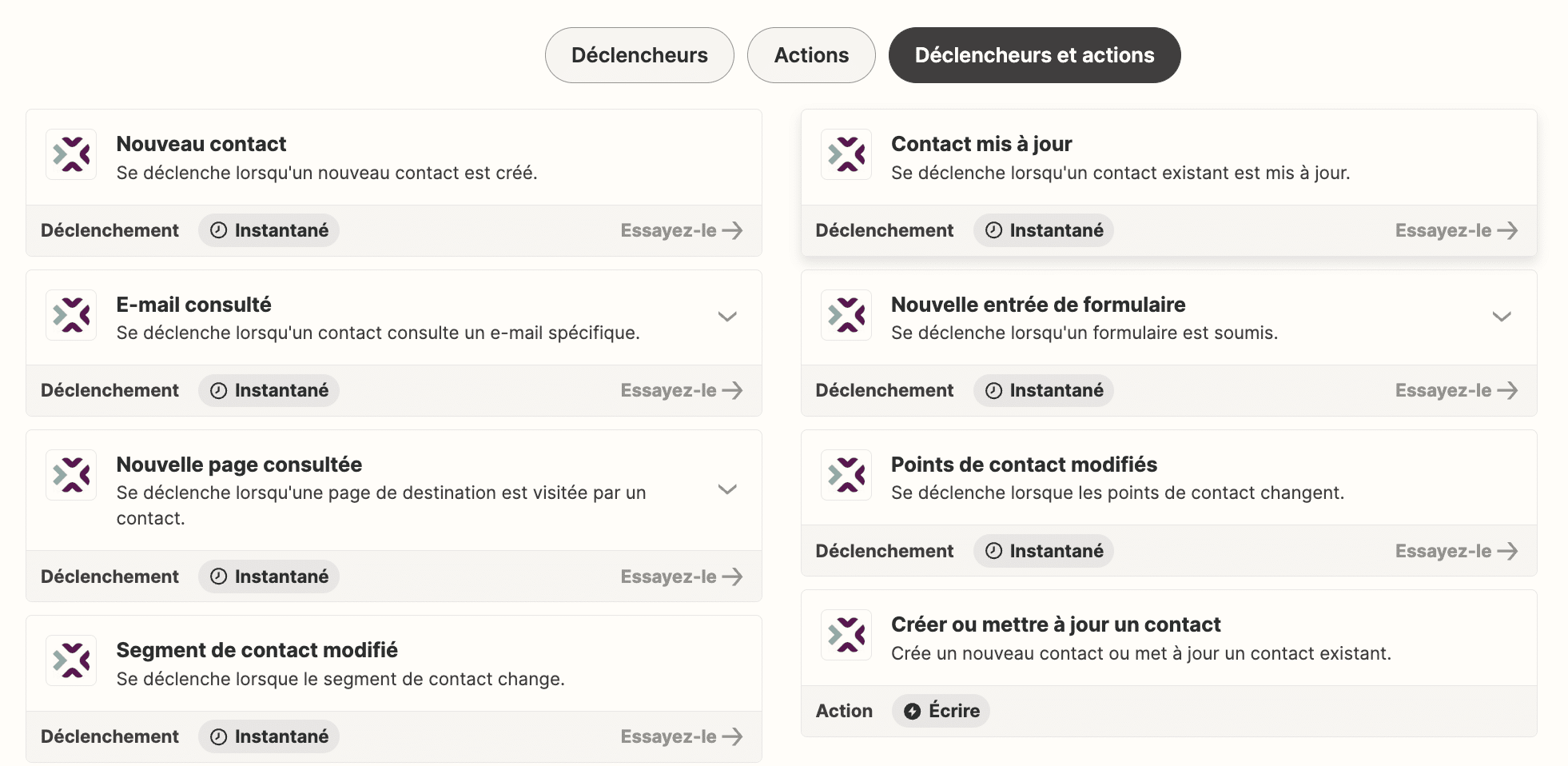
Features of the Webmecanik Automation integration to your software
Trigger actions in your software based on your prospects’ behavior on Webmecanik Automation! Whether it’s when a contact is created or modified, or when a form is submitted, create an automated workflow and gain time and efficiency.
Features of your software integration to Webmecanik Automation
Create or update contacts directly in your marketing automation software. Whether it’s when adding a contact in a Google Sheet, submitting a form during an online survey, or when your sales teams import a list of contacts into your CRM after an event. It’s time to maximize your productivity.
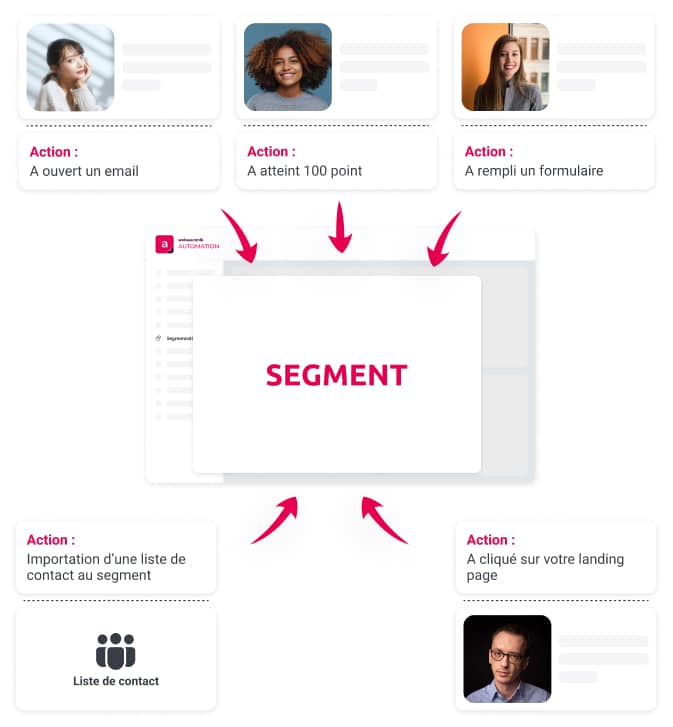
Zap with software from all horizons




What types of data can I share thanks to the Zapier marketing automation integration?
You can share declarative data, whether via a form, an event registration, or a contact update in your favorite CRM. In addition, Webmecanik Automation adapts to your business by offering the ability to finely filter your data.
Why integrate Webmecanik Automation into your ecosystem
Data is the queen of the business apps ball! As a marketer, you play a major role in using your data to tap into your gold mine and work wonders in your marketing and sales campaigns. Easily turn manual processes into automated workflows. Aggregate your data and track your KPIs to measure your performance. That’s the promise of the Zapier and Webmecanik Automation connector!
How do I set up my zap with Webmecanik Automation?
Setting up a Zapier integration is simple. We’ve created a guide, available here, that explains step by step how to configure your Zap, allowing you to connect Webmecanik Automation to your favorite applications in just a few clicks.
What’s the price for synchronization between Zapier and Webmecanik Automation?
You can use it for free for most use cases. Then, if you use a large number of zaps or integrations, process a high volume of data, or want to use advanced features, there are paid plans for a few dozen euros per month. In any case, this solution is affordable and allows all companies, from the smallest to the largest, to transfer a maximum of data.
See other features
Adopt the marketing solution that boosts your ROI
Make every interaction with your prospects more effective: personalize your messages, optimize your journeys, and turn every touchpoint into a conversion opportunity.