Organization is not your strong suit? Although it is an important quality for a salesperson, many salespeople are in the same situation as you.
Yet effective organization is the key to maximizing your sales performance. A well-used CRM (Customer Relationship Management) transforms the way you manage your sales processes, thereby optimizing opportunity management, prospect follow-up, and team coordination. But let’s not forget that your CRM’s performance depends on your ability to organize it, keep it active, and manage it!
4 actions to stay organized as a salesperson
Analyze and track your team’s actions
4 actions to stay organized as a salesperson
Once the CRM has been configured and customized according to your organization’s needs, it’s up to you! Each member of the sales team must take responsibility for keeping the CRM up to date by entering all relevant information. Discover the 4 actions to implement for good sales organization.
To learn more about customizing your CRM to your business, go here
1. Identify your typical week
Start by identifying your typical week. This will allow you to know your free or more flexible periods, which you can devote to better organization. You can then plan time slots or days dedicated to sales organization.
This helps you visualize your days and determine when you are the most productive.
2. Plan your day
Take a few minutes each morning to plan your day. List the priority tasks and organize them in your schedule. This method will help you structure your days according to the tasks to be completed, making your day smoother and more productive.
3. Use a task management system
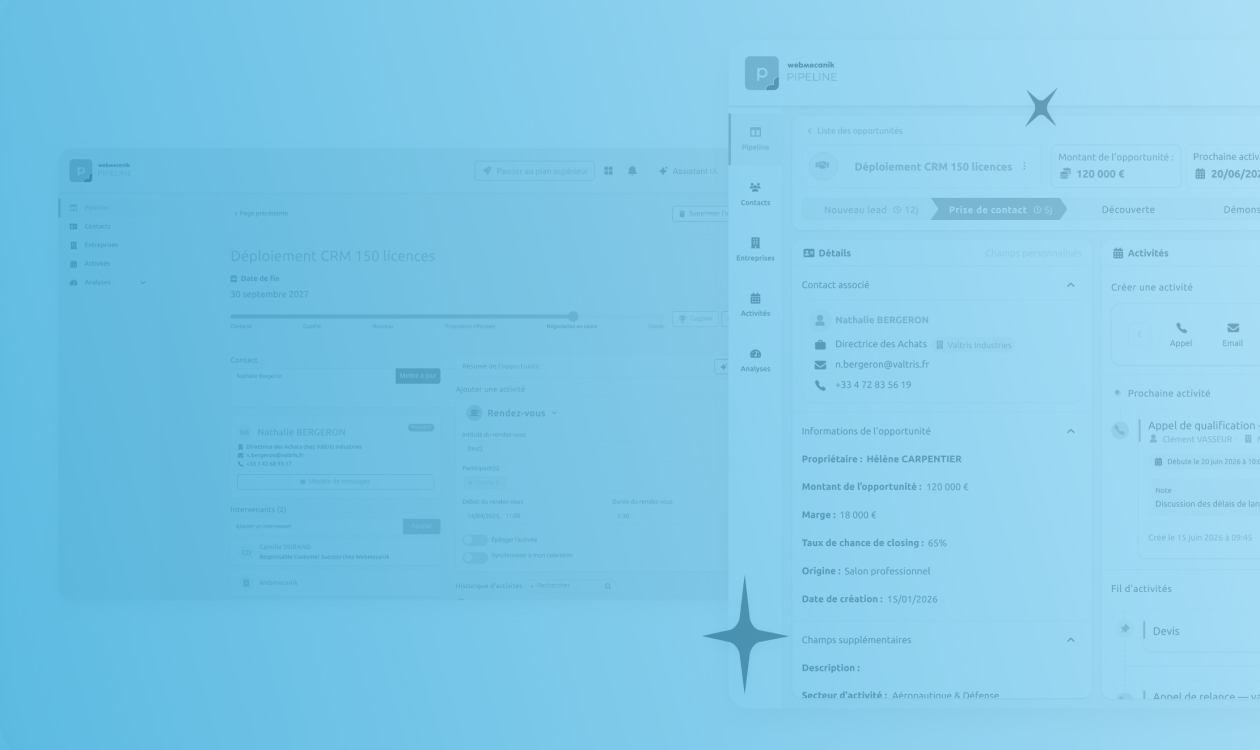
With Webmecanik Pipeline, you can, for example, use a task management system directly in our CRM to track and organize daily activities. This way, you can specify for which prospect or customer you need to complete a task and view the history at any time in your contact’s record. With this integrated to-do list, you will stay organized and won’t forget anything anymore.
4. Synchronize your tasks with your work calendar
By synchronizing the tasks in your CRM with your work calendar, you will have a clear view of tasks, meetings, and other activities of the day. You will no longer need to switch from one software tool to another, which is a real time saver.
For more information, feel free to watch our video dedicated to good sales organization:
How to organize your CRM
For a salesperson to maintain the tips / actions listed above over the long term, their CRM obviously needs to be easy to use.
1. Assess current processes
First of all, start by analyzing your current processes. This will allow you to understand how your operations are currently running and identify the necessary areas for improvement. You may ask yourself whether the annual objectives have been met. If not, why? And what would be the keys to improving this?
2. Define clear expectations
Thanks to this first step, you can specify your expectations regarding prospect and customer management. Clearly define what you expect from your CRM and how it should support your sales goals.
Ask yourself the right questions:
- What information do you need to collect? Make sure all relevant data about your prospects and customers is present in your CRM. This includes contact information, interaction history, preferences, and purchasing behavior.
- What do you expect from your salespeople? Specify the actions and behaviors expected for following up with their prospects and customers. Determine which data must be entered into the CRM and how often.
- Is your CRM complete? Check whether your CRM contains all the data needed to make informed decisions. This includes details on sales, interaction tracking, meeting notes, and important deadlines.
By clearly defining these expectations, you create a solid foundation for effective management of your prospects and customers, thereby making it easier to achieve your sales goals.
3. Adapt your CRM according to your sales processes
A CRM must be configured to reflect your company’s specific sales processes. Here is how:
- Define Sales Pipelines : create sales pipelines corresponding to the different stages of your sales process. Each pipeline must represent the stages your opportunities go through, from prospecting to closing.
- Customize fields and modules : configure the CRM fields and modules to capture the relevant information for each stage of the pipeline. Make sure these fields are suited to the needs of your sales teams.
- Automate repetitive tasks : use the CRM’s automation features to manage recurring tasks, such as email follow-ups, appointment reminders, and task notifications.
4. Train and involve your sales team
Good sales organization relies on your team’s involvement and skills.
- CRM training : organize training sessions to familiarize your salespeople with the CRM’s features and best practices for use.
- Define roles and responsibilities : clarify the roles and responsibilities of each team member in terms of managing data and opportunities in the CRM.
- Encourage adoption : make sure your team understands the importance of the CRM and how it can help them achieve their objectives. Offer ongoing support to answer questions and solve problems.
Analyze and track your team’s actions
As a sales manager, tracking and analyzing your team’s actions in the CRM is essential to ensure the efficiency of your processes and the achievement of your sales goals. This is not about monitoring every move your salespeople make, but rather about tracking their organization and their interactions with prospects.
In Webmecanik Pipeline, charts measuring sales activity are available to analyze performance and the actions taken. You can observe activities such as calls, meetings, sending quotes, and many more. These analysis tools allow you to assess the effectiveness of each team member, identify areas requiring improvement, and provide constructive feedback to optimize sales performance.
You got it, we are aiming for maximum optimization of your sales organization!
Conclusion
Setting up good sales organization thanks to your CRM is an approach that can transform the management of your sales processes, improve your team’s productivity, and optimize your sales results. By defining clear objectives, configuring your CRM according to your needs, training your team, regularly analyzing performance, and integrating the necessary tools, you will lay the foundations for effective, high-performing sales organization. A well-used CRM becomes a strategic asset for achieving your sales goals and maximizing your success in the market while saving time.