Creating emails is an important step in implementing a marketing automation strategy. In 2020, we introduced you to the new email editor in Webmecanik Automation. So I have now been using it for a few months for my newsletters, and all my sales and marketing communications. I’m sharing my experience and my advice to understand the concept of email marketing and get advice for your newsletters !
Well-designed emails quickly
My goal, when I create an email, is to be fast and ensure good statistics (open rate, click-through rate in particular). And I’m not going to lie to you: this new email builder saves me time. I use several templates, depending on the type of email: one for newsletters sent to customers, one for prospects, another for downloads. That way, all I have to do is modify the content, and sometimes a few formatting details like column size, or adding an extra block.
Then I pay attention to aesthetics, because that is THE lever that helps me improve my stats. I make sure to use visible colors, an easy and clear reading path, and attractive CTAs (Call To Action). To do this, I create a button that I spend time on: the color, the text, rounded edges or not… Then I apply it to all the elements. This way the other buttons will be exactly the same as the one created with care. I also take advantage of the undo/redo buttons to do lots of tests: I change the background color, the number of columns or their proportions, etc. This allows me to dare new designs, always more attractive, without wasting time! And to top it all off, THE feature that changed my life is auto-save. I have no advice to give here because it’s automatic, but it’s so enjoyable that I had to point it out!
All my advice for effective emails
- Preview emails on the web… And mobile too!
43% of emails are opened on mobile. Obviously, if nothing displays correctly, it goes straight to the trash. For every email, I make sure that the mobile display is just as perfect as the desktop display. In fact, there are several ways to use communication channels to show gratitude. To go further, the marketing automation solution gives you the best time for your newsletters to be read.
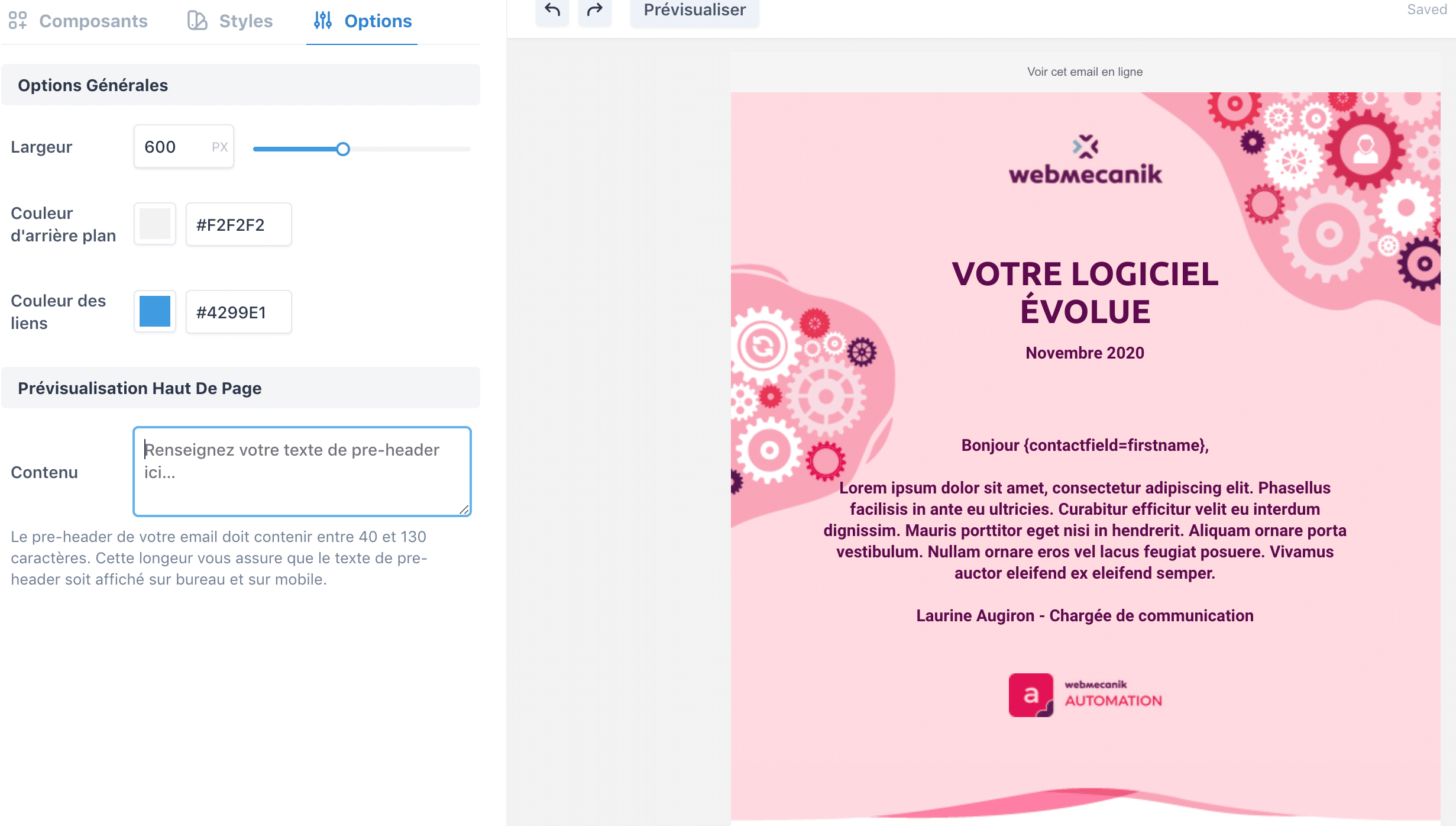
- I make sure to personalize my pre-header
An email with a personalized subject line generates between 50% and 58% more opens. So I go even further, and I take care with my subject line and my pre-header, for optimal display of my email before it is even opened! For example, I ask the important questions that will be answered in the email.
- I use templates
To save time, maintain a very clear brand image in every email, and keep a top-notch design, I created several templates so I have as little as possible to modify! Here are some ideas for creating attractive email layouts, especially since the recent email builder that adapts to all formats is online!
- I always PERSONALIZE
First name or last name, of course, but also an offer tailored to the company size, or a recent article relevant to the recipient’s business sector are always welcome. To do this, I start by asking for as much information as possible (thanks to progressive profiling) and by segmenting my database. And it’s not much more complicated than that!
- But I don’t go too far
Be careful, however, not to go too far with personalization: “Hello Mr. Dupont, appointment at 6 p.m. at (Recipient’s address) for your online training” Creepy, right?
- I set up an RSS feed
I write quite a lot of articles. Emails are often a good place to highlight them. To avoid having to do it manually, I use the RSS feed. I add the title, the image and the description, and that’s all it takes for emails that are always up to date. To set it up, support explains all the best practices !
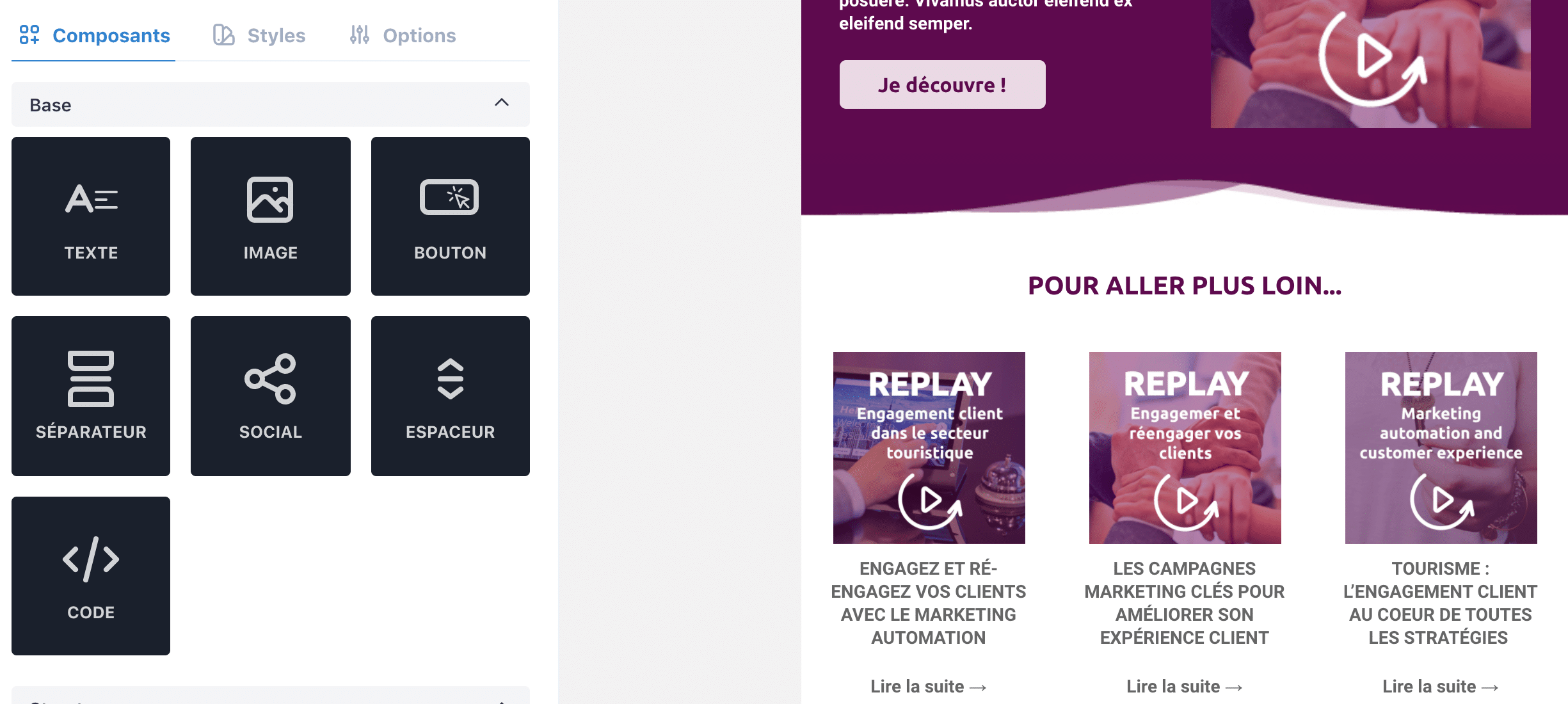
Read also: 13 email marketing mistakes to avoid to increase engagement
Read also: Email marketing: Key figures