You know how important it is to synchronize your tools, but you don’t know where to start? This article is for you! Synchronizing your tools is a priority if you want to benefit from a high-performing ecosystem. The good news? These synchronizations are often simple to set up.
Optimize your sales team’s work by giving them a connected work ecosystem synchronized with your CRM and all your everyday tools.
Saving time is a priority for every salesperson. Your team deserves a practical CRM synchronized with their calendar and their marketing automation solution. The result of a connected ecosystem? Goals reached more quickly?
With Webmecanik Pipeline, sales teams are supported in implementing the three essential integrations : the public API, synchronization with Google and Microsoft calendars, and integration with Webmecanik Automation.
So, which tools should you integrate, how should you go about it, and what results can you expect? Here are our answers.
Choosing which tools in your ecosystem to integrate
Best practices for successful integration
Choosing which tools in your ecosystem to integrate
Before embarking on numerous synchronizations, we recommend implementing the following three steps:
- Identify the most relevant software based on the company’s specific needs. Which tools do you use every day?
- Analyze the different types of systems used by marketing, sales, customer service, data management, etc.
- Which systems complement the CRM’s features rather than duplicate them?
Then, reach out to the team that supported you in setting up your CRM and learn about the possible synchronizations.
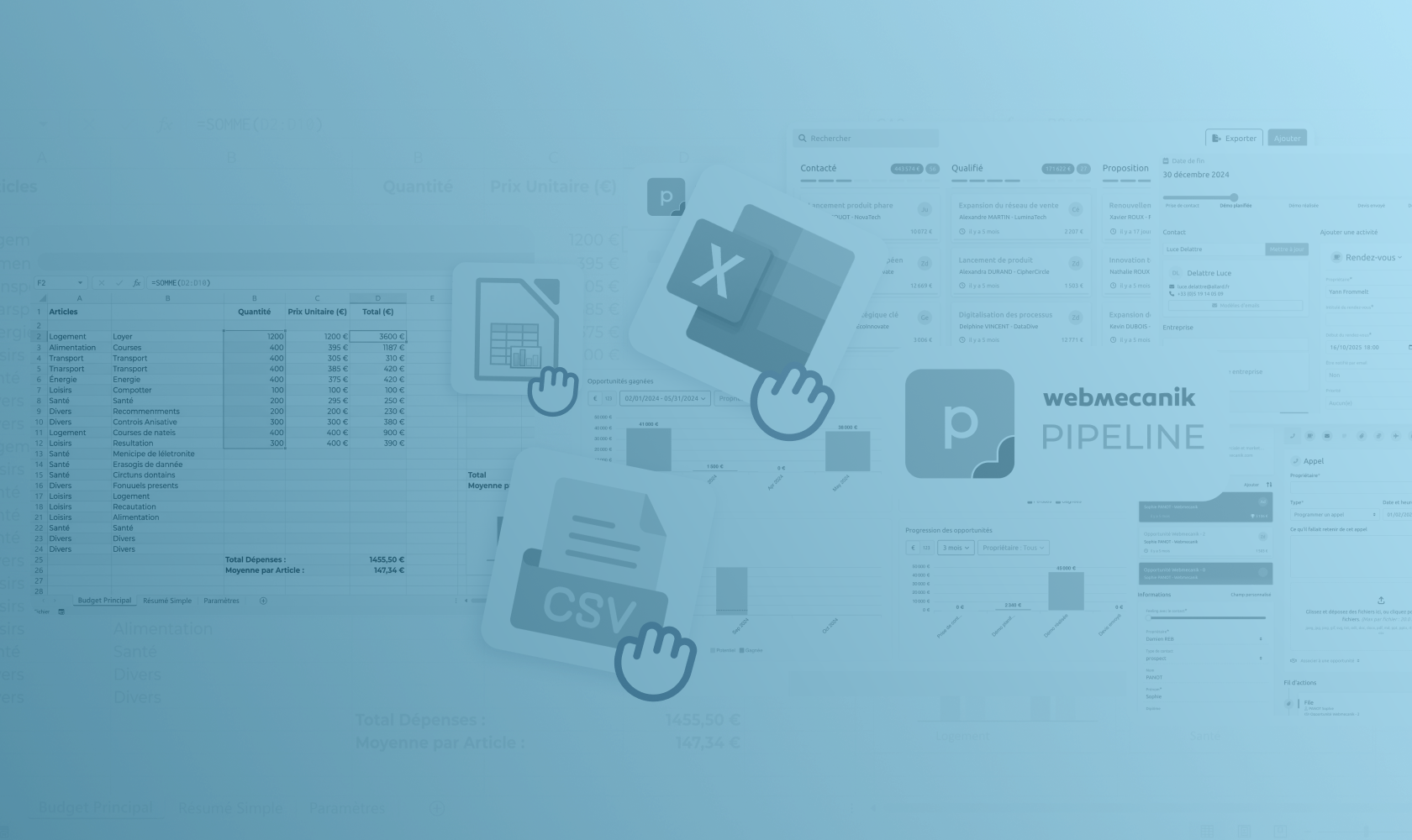
If you choose Webmecanik Pipeline, three integrations are possible: setting up a public API to easily send and receive data from your other software, synchronizing your calendars, and finally integrating with your marketing automation software, Webmecanik Automation.
Prioritizing integrations
Maximize the potential of your CRM! If your sales organization is working well but you want to optimize your lead generation, then a marketing synchronization should be prioritized.
However, if you are just starting out with a CRM and everything still needs to be done, perhaps you should begin by synchronizing the sales team’s calendar with the CRM tool.
In short, prioritization will depend on your goals.
Questions to ask yourself before getting started:
- Which integrations will generate immediate efficiency gains?
- Which integrations will directly improve the customer experience and strengthen business relationships?
Your situation is unique; do not hesitate to get in touch with an expert to find out which system to prioritize for effective integration with your CRM.
Essential integrations
Some integrations are absolutely essential to put in place for an effective ecosystem. Connected to your CRM, they simplify your day-to-day tasks and allow you to spend more time prospecting.
Here are our favorites:
The API:
An API (Application Programming Interface) is a set of rules and protocols that allow different software applications to communicate with one another. It defines the methods and data a developer can access to interact with a specific service or platform, thus facilitating system integration and interoperability. In short, an API makes it easier to exchange information and actions between different software applications.
If you have specific needs to connect with an ERP, an external database, or if you cannot do without your e-shop, synchronizing your CRM with an API is the ideal solution.
Good to know: our development team takes care of it if you work with Webmecanik Pipeline. ?
Synchronization with your calendars:
More of a Google Calendar or Outlook Calendar person? Synchronize your calendars with your CRM so you never miss an appointment and can track activities optimally.
Synchronization with your marketing automation software:
The secret of high-performing companies? Those that unite marketing and sales teams! By synchronizing your marketing automation software with your CRM, you give yourself the ability to monitor your audience’s behavior more closely and detect opportunities more easily.
Example: a prospect opened a newsletter about your new product and spent a long time reading it? Your sales team knows it because its CRM is connected to the marketing automation software, and it can then act accordingly at the right time!
Other interesting integrations to connect to your CRM:
- CRM integration with marketing automation software for better marketing automation and campaign and lead tracking
- CRM integration with customer service systems to gain access to histories and customer support
- CRM integration with project management tools to track customer-related projects and achieve more effective internal coordination.
- CRM integration with communication platforms to synchronize emails, calls, and messages for a 360-degree view
Best practices for successful CRM integration
Successfully integrating systems with your CRM is essential for your sales strategy to achieve its goals. Our experts share their best advice for facing technical challenges and executing your integrations effectively:
- Identify common challenges when integrating systems;
- What data synchronization and security compatibilities (or incompatibilities) might you encounter?
- Solutions such as using robust APIs, implementing security protocols, and conducting thorough testing should be considered;
- Choose a CRM solution recognized for its high-quality support, such as Webmecanik Pipeline;
- Establish internal communication, provide employee training, and continuously monitor the proper functioning of your integrations. Your work ecosystem must be 100% operational.
- Be flexible: adaptability is necessary to make adjustments based on feedback.
Contact our team if you have specific questions about effective CRM integration.
Case study
Many companies that have benefited from successful CRM integrations have been able to testify to the specific advantages achieved: better visibility, more informed decision-making, increased sales… Among them is the Director of Admissions of a company in the education sector. Indeed, he spoke about his use of a CRM synchronized with marketing automation software: “The fluidity of our education business processes, easily configured in the CRM, enabled much better lead management by the sales team. This contributed to a 27% increase in our revenue.”
He also details the impact on internal organization: “For the first time, our salespeople have been able to dynamically and instantly assign their leads to the recruitment officer. The organization of follow-up tasks now enables collaborative and interactive work that allows us to qualify every opportunity. The number of leads handled per salesperson has doubled! We benefit from excellent responsiveness thanks to instant reporting on the number of leads processed, within what timeframes, and with what success rates. The relationship between marketing, sales, and recruitment officers is much better. These three entities now share the same goals and the same successes.”
Discover the full customer case study here.
In short, the support team for your CRM solution must adapt to your situation and present the best integrations to put in place. By assessing your integration needs, you can then develop an action plan accordingly.